
For a shop that sells singles out of cases, pick WinePOS. It starts at $79 per month. Its Lite plan includes age verification, unit, pack, and case management, and purchase orders.
On a tighter budget, look at Bottle POS or Square for Retail. Bottle POS starts at $59 per month. Square starts at $0, but its stock tools start at $49 per month.
A wine retail POS has to check an ID before the sale goes through. It also has to count a case of twelve as twelve singles you can sell. The market is large.
The Wine Institute's sales table puts 2023 U.S. wine shipments at 378.2 million 9-liter cases, worth $106.3 billion at retail.
Seven platforms follow. They include the names that come up most when owners look for Bottle POS alternatives. Three are built for beverage alcohol.
Three are general retail systems. One is built for convenience and independent stores.
Each entry gives who it suits, what it does, a Capterra rating, published prices, and where it falls short.
If you are moving off a system today, the Switch & Save calculator shows your real savings over 1 to 3 years, including the cost of the move.
Wine retail POS platforms at a glance
This table shows what each platform costs to start and how Capterra reviewers rate it.
Platform | Best for | Starting price | Capterra rating | Built for beverage alcohol |
|---|---|---|---|---|
WinePOS | Independent wine and liquor stores that sell singles out of cases | $79 per month (Lite) | 1.0 (1 review) | Yes |
Bottle POS | Owners who want a published entry price and discounted hardware | $59 per month (Starter) | 4.1 (20 reviews) | Yes |
mPower Beverage | Larger stores and groups that want a guided rollout | Custom proposal | 4.1 (7 reviews) | Yes |
KORONA POS | Stores that want to pick their own card processor | $59 for each register, each month (Core) | 4.7 (80 reviews) | No, general retail |
Lightspeed Retail | Shops with more than one location that also sell online | $89 per month when paid for the whole year (Basic) | 4.0 (973 reviews) | No, general retail |
Square for Retail | Small shops that want a $0 start | $0 for each location (Free) | 4.7 (495 reviews) | No, general retail |
NRS POS | Stores that put price first and also sell convenience items | $19.95 per month with NRS Pay (Basic) | No reviews | No, convenience and independent retail |
How these wine store POS systems are compared
Every price, plan list, and rating below comes from the company's own pricing page and its Capterra listing.
All were checked on 10 November 2026.
Each platform is read against the four jobs a wine shop does every day:
Check age at the register.
Handle cases, packs and singles as one item.
Reorder from distributors.
Take card payments without double entry.
Each entry says which of these jobs the company's pages list and which they leave out.
One test matters more than any feature list. Ask the vendor to receive a case, break it, sell one bottle and show the remaining stock value on screen.
The 7 wine retail POS platforms
The first three are built for beverage alcohol. The next three are general retail systems. The last is built for convenience and independent stores.
1. WinePOS
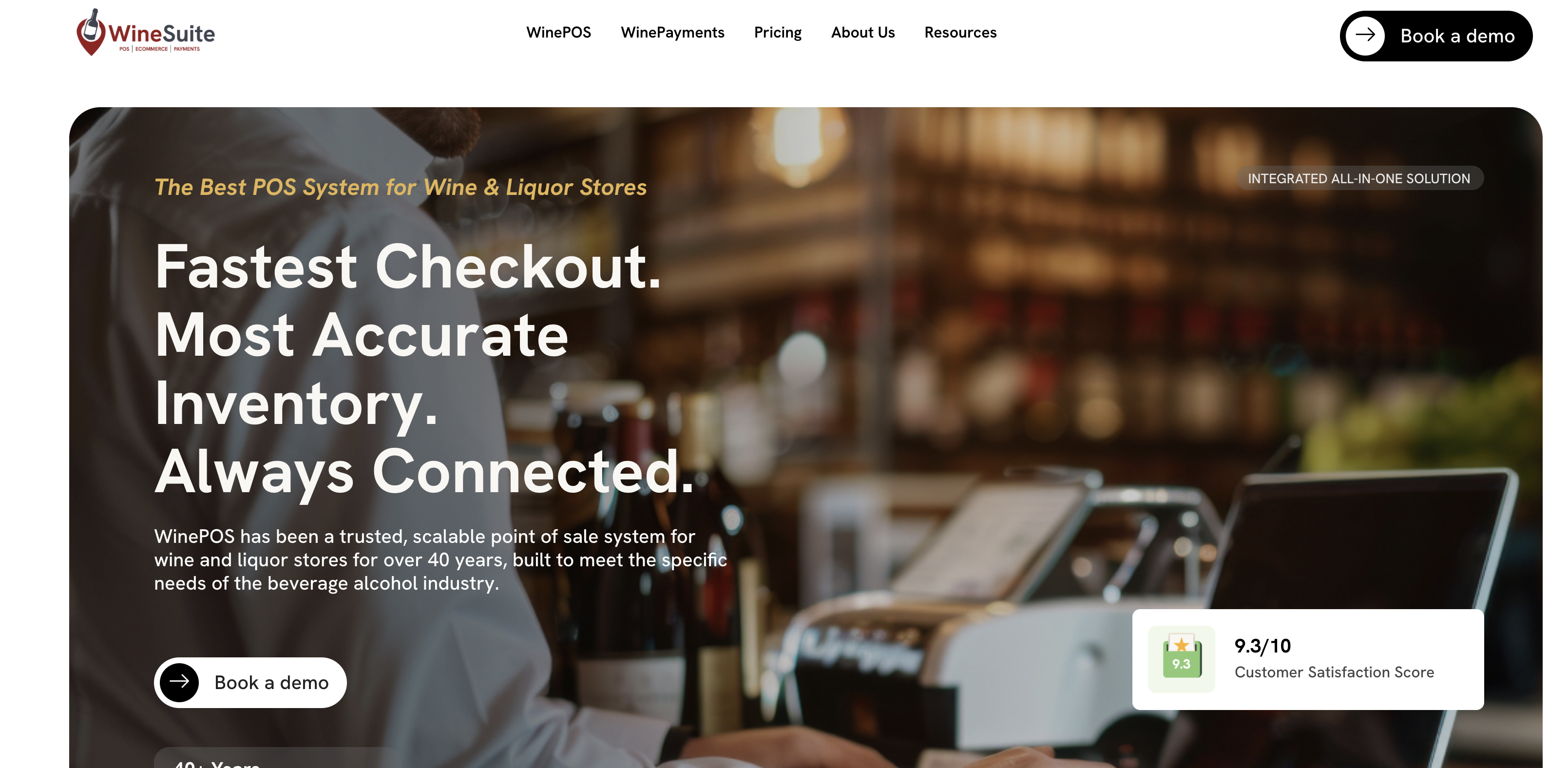
Best for: independent wine and liquor stores that want age verification, case, pack and single handling, and purchase orders on the entry plan.
WinePOS is a POS made only for wine and liquor stores. The company says it has served this market for over 40 years. Its Lite plan lists unit, pack, and case management, so ask to see a case break in the demo.
The Lite page also lists wine details at the register. Tasting notes, region, and winemaker show without leaving the POS. Predictive ordering builds a purchase order from past sales.
You can also upload a vendor invoice to create one. In states where alcohol and tobacco have different age rules, the register shows a birth date for each.
Key features:
Lite: age verification, dual pricing, purchase orders, unit, pack and case management, and minimum and maximum stock levels
Basic adds customer management, loyalty, gift cards, wholesale selling, a time clock, and a mobile app
Standard adds QuickBooks, one e-commerce site, two delivery apps, and 4 hours of training each year
Premium adds e-commerce for 2 or more sites, 3 or more delivery apps, self-checkout, and a mobile register
Enterprise adds item and price sync between sites, transfers and suggested transfers between stores
Your own card processor with a gateway fee, or WinePOS Payments with no gateway fee, plus surcharging, automatic settlement, and faster support
Rating: Capterra lists 1 review of WinePOS, with a rating of 1.0 out of 5. One review is too few to judge the product, so read it yourself.
Pricing: Lite starts at $79 per month. Basic, Standard, Premium, and Enterprise depend on the plan, the number of registers, and the monthly card volume. WinePOS marks Standard as its most popular plan, and sells monthly or annual subscriptions.
Where it falls short: Only the Lite price is published. Ecommerce sync starts at the Standard plan, so a shop that wants online sales needs a quote. There is little independent feedback to read.
2. Bottle POS
Best for: liquor store owners who want a published entry price and discounted hardware.
Bottle POS is a liquor store POS sold by POS Nation. The Starter plan covers the register, age verification and dual pricing. Owners can run reports from a phone through the mobile back office.
Growth adds automatic invoice import, so a delivery can update stock without typing it in.
Key features:
Age verification, purchase orders and dual pricing on Starter
Unlimited employees, all reports and a real-time dashboard on Starter
Customer loyalty, mix and match discounts, intelligent ordering, auto invoicing, and DoorDash on Growth
Multi-site transfers and SMS marketing on Premium
Rating: Capterra lists 4.1 out of 5 from 20 reviews.
Pricing: Starter is $59 per month. The pricing page says Growth and Premium prices show after you fill in a short form. New customers get 75% off the standard hardware bundle. That bundle has an all-in-one computer, a cash drawer, a receipt printer, and a barcode scanner. Choosing dual pricing adds a further 25% rebate.
Where it falls short: The plan with multi-site transfers has no price on the page. The pricing page does not list case breaks. POS Nation's own blog says case breaking comes with every plan, so ask to see it in the demo.
3. mPower Beverage
Best for: larger wine and spirits stores, or small groups, that want the company to handle setup, data migration, and staff training.
mPower Beverage is a POS and inventory platform built for liquor retail. A store gets a proposal that covers software, migration, training, and hardware.
The proposal depends on how many locations the store runs and how it operates. Support comes from the company's own team in the U.S.
Key features:
Point-of-sale, inventory, and multi-store management on one platform
Compliance tools for liquor retail
Guided setup, including configuration and data migration
Card processing through one of three partners, so you keep your own rates
Rating: Capterra lists 4.1 out of 5 from 7 reviews.
Pricing: Custom proposal only. mPower says it publishes no plan chart because the price depends on your store.
Where it falls short: An owner who wants a price online in ten minutes cannot get one. There is no published number, so every comparison starts with a demo.
4. KORONA POS
Best for: stores that want to pick their own card processor and let their own software connect to the POS.
KORONA POS is cloud-based retail software that serves many store types. Staff check out sales at the register. The back office tracks stock, prints shelf labels, and sends supplier orders.
KORONA says every plan includes 24/7 support from its own team.
Key features:
Other software can connect to it from the Core plan
Real-time stock tracking, barcode automation, and supplier ordering on Retail
ABC analysis, top and slow seller reports, and per-store pricing on Plus
Inventory tools for more than one location on Plus
Rating: Capterra lists 4.7 out of 5 from 80 reviews.
Pricing: Core is $59 for each register, each month. Retail is $79. Plus is $99. KORONA says annual plans are discounted, and no contract is forced.
Where it falls short: The pricing page does not list age verification or case, pack, and single handling. Ask to see both in the demo.
5. Lightspeed Retail
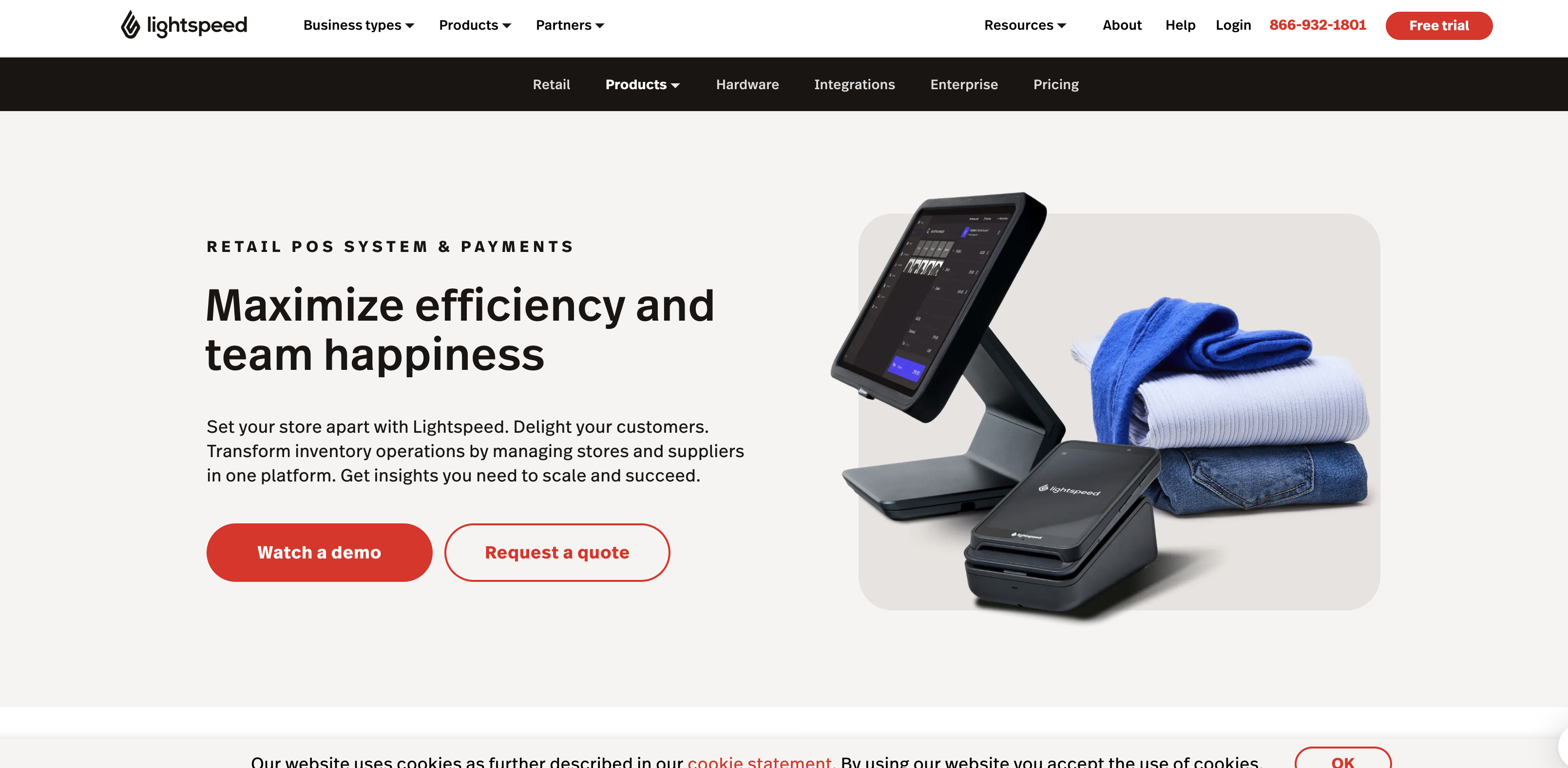
Best for: shops with more than one location, or a real online store, that want one system for both.
Lightspeed Retail is a cloud retail POS used across many retail categories. Staff sells from an iPad or a desktop register. The pricing page lists built-in e-commerce, purchase orders, and inventory management.
It also lists accounting, e-commerce, and marketing integrations. The page says these prices are for Lightspeed Retail X-Series.
Key features:
One register included in every plan
Inventory management, purchase orders, and built-in e-commerce
Loyalty for in-store and online sales
Advanced sales, staff, and inventory reports
Rating: Capterra lists 4.0 out of 5 from 973 reviews.
Pricing: Lightspeed lists two prices for each plan.
Basic: $89 per month when you pay for the whole year, $109 per month-to-month.
Core: $149 per month when you pay for the whole year, $179 month to month.
Plus: $289 per month when you pay for the whole year, $339 month-to-month.
Basic costs $20 more each month when you pay month to month. Over 12 months, that is $240. The annual vs. monthly calculator shows the same gap for any tool.
Where it falls short: The pricing page does not list age verification or case, pack, and single handling. Ask to see both in the demo. Plus costs $200 more each month than Basic.
6. Square for Retail
Best for: small shops that want a $0 start and plan to add stock tools later.
Square for Retail is general retail POS software from Square. It runs on Square's own card readers and registers. The Free plan covers sales, discounts and refunds, and sales reports. Stock tools start on the Plus plan.
Key features:
A free plan for each location
Plus adds inventory management, stock intake, vendor and purchase order management, and cost of goods sold reporting
Premium adds cross location returns, transfer orders, and 24/7 phone support
A 30-day free trial of Plus
Rating: Capterra lists 4.7 out of 5 from 495 reviews.
Pricing: Square charges each location every month.
Free: $0, with in-person card fees of 2.6% plus 15 cents.
Plus: $49, with in person card fees of 2.5% plus 15 cents.
Premium: $149, with in person card fees of 2.4% plus 15 cents.
Plus cuts the in person card fee by 0.1 points. That pays for its $49 only above $49,000 a month in card sales.
Where it falls short: Inventory management starts at Plus, so the Free plan is a thin fit for a wine shop. Payments run through Square, so you cannot keep your own card processor. The pricing page does not list case, pack and single handling.
7. NRS POS
Best for: price sensitive liquor and convenience stores that are happy to process cards through NRS Pay.
NRS POS, from National Retail Solutions, is POS software for independent stores such as convenience shops and liquor stores. It covers sales, inventory tracking and promotions.
Its hardware bundles include a barcode and license ID scanner. It has the lowest monthly fee on this list.
Key features:
License ID scanning: an extra cost on Basic and Pro, included on Advanced and Elite
Pricebook, inventory management, and sales statistics on every plan
Ecommerce and loyalty included from Advanced
Hardware bundles from $499 (Panther Tablet) to $1,799 (Cheetah POS)
Rating: Capterra lists NRS POS but shows no reviews, so it has no rating.
Pricing: The first prices require NRS Pay.
Basic: $19.95 per month with NRS Pay, $29.95 without.
Pro: $34.95 per month with NRS Pay, $54.95 without.
Advanced: $49.95 per month with NRS Pay, $74.95 without.
Elite: $79.95 per month with NRS Pay, $109.95 without.
Basic costs $10 more each month without NRS Pay. Over 12 months, that is $120. NRS also gives 1 month free when you pay for the year.
Where it falls short: A contract is required. If you cancel NRS Pay early, you pay the standard POS price and repay any equipment discount.
The pricing page does not list case, pack and single handling.
Why a wine store POS system needs more than a general register
The gap between a general register and a wine store POS system shows up in three places.
The first is age. Every sale of alcoholic beverages needs an ID check. A system that only shows a reminder leaves the check to the clerk. A system that reads the date of birth from the license makes the check part of the sale.
The second is units. A distributor ships a case. Customers buy singles or six packs, and sometimes the full case. If the system counts the case as one item, the stock count is wrong the moment one bottle sells.
Every margin report after that carries the error. That is why the case, pack, and single structure is the first thing to test in any demo.
The third is lost stock from theft, damage, and counting mistakes.
Across retail, the National Retail Federation's security survey found that the average shrink rate in FY 2022 rose to 1.6%.
A wine retail POS that ties every bottle to a cost and a user login makes those losses easier to find.
Cloud or on-premise, and your own card processor
A cloud POS keeps your data on the vendor's servers. You can check sales from home, and updates arrive without an install. KORONA POS, Lightspeed Retail, and Square for Retail all work this way.
An on-premises or hybrid setup keeps the main database on a computer in the store. Some owners prefer it when the internet connection is unreliable.
Ask every vendor what happens to a sale when the connection drops. Square says offline payments are declined if the device does not reconnect within 24 hours of the first offline payment.
Card processing is the other decision. Some systems let you keep the card company you already use. WinePOS, mPower Beverage, and KORONA POS all allow this.
Square for Retail and the lowest NRS POS prices tie you to the vendor's own processing. WinePOS charges a gateway fee when you bring your own processor, and WinePOS Payments drops that fee.
Compare the total monthly cost at your real card volume. The headline software price leaves out card fees.
How to choose a wine store POS for your shop
Start with the demo and skip the feature grid. Ask the vendor to receive a case, break it, sell one bottle, and show the remaining stock value. Then ask to see the age verification prompt fire. Find the override for that prompt in the audit log, with the employee's name on it.
Next, look at how the system stores card data. The FTC's guidance on protecting personal information tells businesses not to keep customer credit card information unless they have a business need for it. An integrated card reader that never stores the full card number on the register makes that easier.
Then check two things the vendor cannot show you on its own website. One is the review count on an independent software directory such as Capterra. Read the low scores as well as the high ones.
The software review platforms guide covers six places to check a tool before you pay. The other is a reference customer of your size that you can call. A store comparing Bottle POS alternatives should ask every shortlisted vendor for both.
Before you sign, get your must-have workflows confirmed in writing for the exact plan you are buying.
Wine retail POS questions
What is the best POS system for a wine store?
For a shop that sells singles out of cases, WinePOS is the pick. It is built only for wine and liquor stores. Its pricing page lists age verification, unit, pack, and case management, and purchase orders on the Lite plan, which starts at $79 per month.
How much does a wine retail POS cost?
Published monthly software prices on these seven pages run from $0 to $289. Square Free is $0. Lightspeed Plus is $289 when you pay for the whole year.
WinePOS above Lite and mPower Beverage are quoted, and Bottle POS shows Growth and Premium prices after a short form. Hardware and card fees cost extra.
Can a wine shop use Square, Lightspeed or KORONA POS?
Yes, but check two things first. Their pricing pages do not list case, pack, and single handling or age verification. Ask each one to show both in a demo.
Do I have to use the POS company's card processor?
Not with WinePOS, mPower Beverage, or KORONA POS. Square for Retail runs on Square payments. The lowest NRS POS prices need NRS Pay. WinePOS adds a gateway fee when you use your own processor.
What should I ask in a wine POS demo?
Ask the vendor to receive a case, break it, sell one bottle, and show the stock value on screen. Then ask to see the age check and the override log. Last, ask for your must-have workflows in writing.
Which one to pick
Pick WinePOS if you sell singles out of cases and want one system built only for wine and liquor. Lite starts at $79 per month.
Pick Bottle POS if you want a liquor-specific system with a published entry price. Starter is $59 per month.
Pick mPower Beverage if you run a larger store or a small group and want the company to handle the move. It prices by proposal.
Pick KORONA POS if you want your own card processor and other software connected. Core is $59 for each register, each month.
Pick Lightspeed Retail if you have more than one location and sell online. Basic is $89 per month when you pay for the whole year.
Pick Square for Retail if you want to start at $0. Stock tools start at Plus, which is $49 per month.
Pick NRS POS if price comes first and you will use NRS Pay. Basic is $19.95 per month with NRS Pay.
Book demos with your top two. Run the case break test in each, and get your must-have workflows confirmed in writing.