
If you want to keep your existing cameras, look at Coram AI first. Its Coram Point recorder keeps footage in your building, and staff can watch it in a browser or on a phone.
If you are buying all new cameras, Verkada sells the cameras and the software together. Its CB53-E outdoor bullet camera lists at $1,899, plus a license.
For a printed price up front, look at Rhombus. Its R520 camera with one year of license lists at $1,148.
Say something goes wrong at one of your stores, and head office needs the clip. Each site may have its own recorder and its own login.
Then that one request turns into a string of phone calls. A cloud-managed system puts every site in one dashboard that approved staff can open from anywhere.
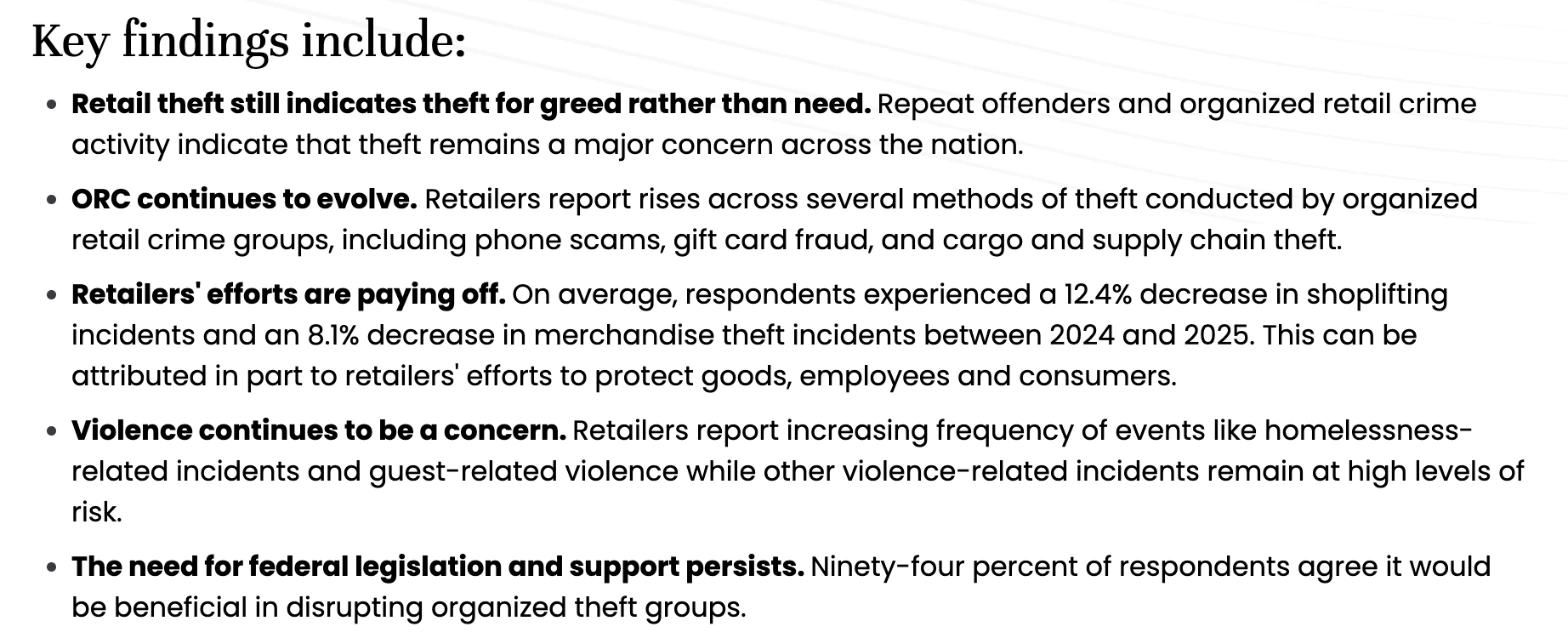
The National Retail Federation gives a reason to plan for stores and warehouses together.
In its 2026 theft report, surveyed retailers saw 12.4% fewer shoplifting incidents in 2025 than in 2024. Merchandise theft incidents fell 8.1%.
Over the same period, retailers reported more of several other kinds of theft, including cargo and supply chain theft.
For businesses operating stores and distribution sites, that makes it worth asking whether their video systems support investigations across both.
The Seven Cloud-Based Security Systems
This table shows who each system fits and what the quote should spell out.
Every price in this article comes from the vendor's own pricing page, as listed on 23 November 2026.
System | Best fit | Ask the quote to show |
|---|---|---|
Verkada | Buying new cameras and cloud software from one company | Camera price, a license for each camera feed, and cloud storage |
Coram AI | Keeping your IP cameras and recording in your own building | Number of cameras, Coram Point model, and days of footage on site |
Eagle Eye Networks | Keeping footage off-site across a mix of camera brands | Bridge or recorder, picture quality, and days of cloud storage |
Avigilon Alta | Adding new cloud cameras at one site while older cameras stay at others | Camera licenses, Cloud Connectors, and extra storage or AI add-ons |
Rhombus | Seeing printed camera and license prices up front | License plan, storage on the camera, and cloud archiving |
OpenEye | Matching register sales to video | Camera and recorder licenses, plus one POS license for each register |
Spot AI | Using the same cameras for safety as well as security | Recorder, connected cameras, and the alerts included |
Two questions to answer before you compare
The first question is which cameras you can keep. Coram, Eagle Eye, Avigilon Alta, OpenEye, and Spot AI all work with many cameras from other brands.
Verkada is built around its own cameras, and it sells extra hardware to bring older ones in.
The second question is where the full footage lives. Some systems keep full-quality video on the camera or on a recorder in your building.
They use the cloud only so you can watch from somewhere else. Other systems record to the cloud, or keep a backup copy there.
That choice decides whether you can still get footage after a recorder is broken or stolen.
Website owners face the same risk with their backups. Our guide on choosing a cloud backup for a small site walks through it.
1. Verkada
Verkada fits a new office, store, or warehouse where you are buying cameras anyway. You get the cameras and the Verkada Command software from one company.
Price example. Verkada lists the CB53-E outdoor bullet camera at $1,899. That price covers the hardware only, and each camera needs a separate license. The pricing page lists from 30 to 365 days of footage for this camera.
You can keep some older cameras too. Verkada sells a Command Connector box for them. The CC300 lists at $4,499 and handles up to 10 camera feeds at 5MP or lower.
Each connected camera feed still needs its own license, so old cameras still carry a license cost.
What to check. Ask the reseller which days of footage stay on the camera and which are stored off-site.
2. Coram AI
Coram AI suits businesses that want to modernize their commercial security systems while keeping compatible cameras in service. The Coram Point recorder sits in your building and records there.
Staff watches the footage from a web browser or the mobile app.
Coram Point connects to cameras that support ONVIF or provide an RTSP stream. Those cameras need to record in H.264 or H.265. Your old recorder does not carry over, so put the Coram Point in the budget from day one.
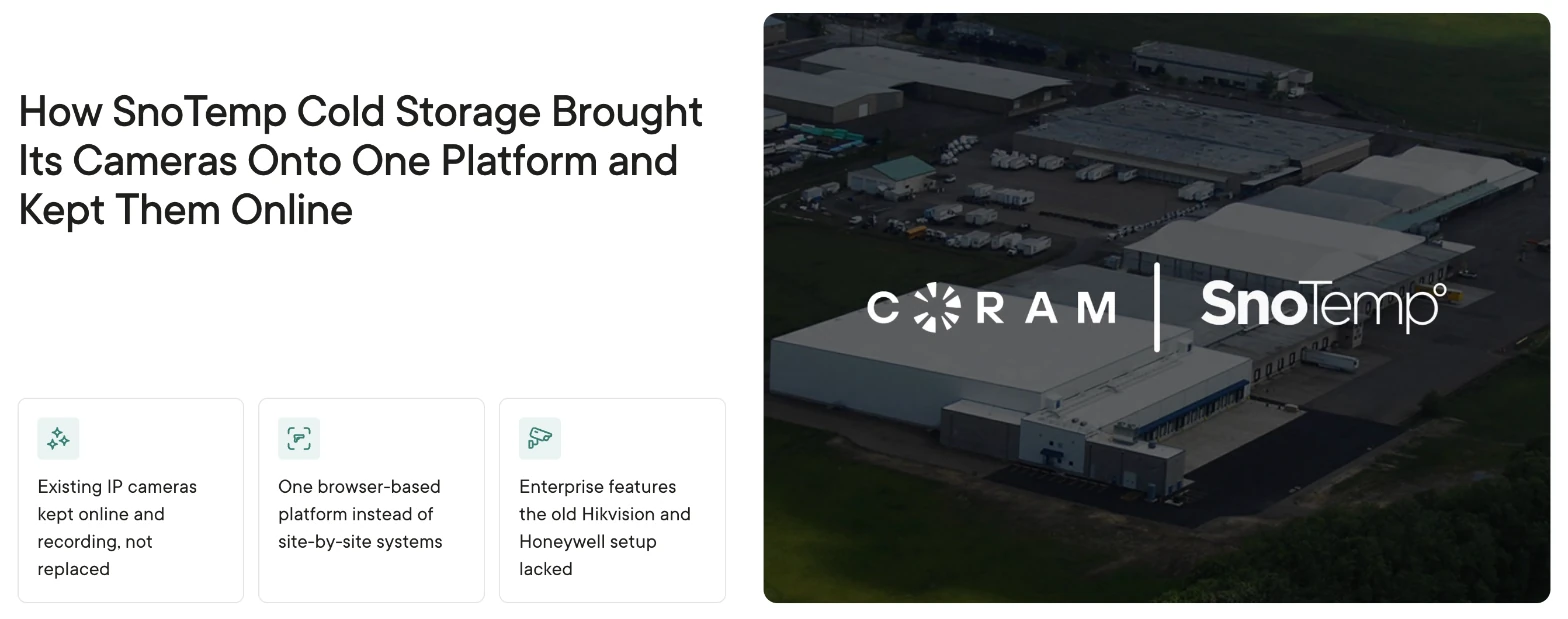
Coram's SnoTemp Cold Storage case study shows how this works in practice.
SnoTemp ran its rollout on cameras it already owned, plus new cameras Coram supplied. Coram gives prices by quote.
What to check. Send Coram your camera models and the days of footage you need at each site. Ask for a demo on one of your older cameras.
Get it in writing what you can recover off-site if the recorder fails.
3. Eagle Eye Networks
Eagle Eye Cloud VMS suits businesses that want footage stored off-site and own a mix of camera brands. Eagle Eye prices each camera by its picture quality and the days of cloud storage you pick.
Each site needs an Eagle Eye Bridge or a Cloud Managed Video Recorder. A Bridge sends video to the cloud. The recorder can store video in your building, in the cloud, or both.
This setup lets you plan loading dock cameras apart from quieter views. Busy doors can get more days of cloud storage, and hallways can get fewer.
What to check. Give the reseller your upload speeds, and ask for a quote by camera group. Each group should show days of cloud storage, picture quality, and expected internet use.
Then ask them to show what still records when the internet drops. Check what you can still watch from outside too.
4. Avigilon Alta
Avigilon Alta works well for a step-by-step move. You can install new Alta cloud cameras at one site and keep older cameras at others. Alta Cloud Connectors bring those older cameras into Alta Video.
With an Alta Video license, each Alta camera gets 30 days of cloud storage at no extra cost. You can buy more storage on top.
Alta Video Storage Connect is a paid feature. It backs up video to your own cloud storage provider.
What to check. Ask for a quote that splits out camera licenses, Cloud Connectors, extra storage, and special AI features.
5. Rhombus
Rhombus prints its camera and license prices, so you can build a budget before you call sales.
Price example. Rhombus lists the R520 Mini Bullet camera at $999. Its Professional license costs $149 for one year. Together, that is $1,148 for each camera in the first year.
For 20 cameras, that is $22,960 for hardware and first-year licenses. Installation, tax, and upgrades come on top.
What to check. The Professional license leaves out cloud archiving and AI features.
For footage off-site, ask Rhombus if the quote covers saved clips only or a full copy. Then price the license that does what you need.
6. OpenEye
OpenEye suits stores that want to check register activity against video. Its POS Connect feature pairs sales data with footage. A manager can search register events and watch the video from that moment.
The receipt details show on screen.
OpenEye Web Services also works with cameras from other brands. They need ONVIF Profile S support, or an RTSP stream in H.264.
What to check. OpenEye needs one POS terminal license for each register. Confirm your exact register system before you order.
Some register links need an OpenEye recorder. NCR Aloha is one, and it will not run on OpenEye's cloud cameras alone.
Wine and liquor shops can match this with the stock checks in our wine retail POS guide.
7. Spot AI
Spot AI fits warehouse and factory teams that want one set of cameras for both security and safety reviews. Its safety alerts include forklift near misses and vehicles or people entering no-go zones.
It works with existing ONVIF or RTSP cameras. Its Intelligent Video Recorder keeps full-quality video in your building and sends only event details to the cloud.
What to check. Run a trial with your own camera angles and lighting. Track how many alerts lead to a useful review and how long each review takes. Note who gets each alert.
Ask Spot AI to list the recorder, connected cameras, and alert features on the quote.
How to compare quotes before you switch
Ask every vendor to price the same three-year setup. Say you run 3 sites with 20 cameras each, so 60 cameras in total.
Tell each vendor whether all 60 need 30 days of full footage off-site, or only some views.
Ask for every cost on the quote: hardware, installation, software renewals, storage, and any links to other systems.
Do the same check for your office copiers with our managed print services guide.
Small yearly gaps add up fast. Say one quote costs $50 more for each camera, each year.
For 60 cameras, that is $3,000 more each year.
Over 3 years, that is $9,000.
Our switch and save calculator runs the same comparison over 1 to 3 years. It also adds one-time switching costs.
Run a pilot first
Test one site that looks like the rest. Have a manager find and export an incident from the week before. Check who can view it and who can share it.
Ask the installer to show what keeps recording when the internet drops.
Export any footage you need from the old system before you turn it off.
Also ask how you would get your footage out if you switch providers again.
FAQ
Can I keep my existing cameras when switching to a cloud-based security system?
Often, yes. Send the exact camera models to the vendor and test a few before you sign. A camera may stream video fine but give limited audio, motion events, or AI features in the new system.
Does cloud management mean all footage is stored in the cloud?
No. Cloud management gives you remote access to the system. Recording can stay on a camera or a recorder in your building. Some systems upload all footage, and some back up only chosen clips.
Ask the vendor where full-quality footage is stored and how long it stays in each place.
How much video retention should a business buy?
Buy at least as many days as your team needs to find and look into an incident. Some teams only spot missing stock at a monthly count.
For them, 14 days of footage can run out before anyone looks. Ask for separate prices for each camera group if needs vary across the site.
Which one to pick
Start with the job your current system makes hardest.
Upgrading cameras: check which of your cameras each vendor supports, and the cost to replace the rest.
Retail investigations: time how fast a manager gets from a register event to the right clip.
Off-site recovery: have the vendor play back footage from cloud storage, and put the storage days in writing.
Run those checks on every shortlisted vendor before you sign a quote.