
Pick digital signage software by how it handles your worst week, then price every screen in the building.
Run the free trial on your own data, and ask how you would leave before you sign. Those checks catch the problems a polished demo hides.
The request often lands on a Tuesday with a Friday deadline. It asks for five screens and one seasonal promo.
Now you are comparing plans for screens nobody mentioned last week.
Plenty of teams sign a two-year screen contract after a great demo. The hard parts show up a few weeks later.
The warehouse internet drops out, and nobody owns the content calendar. Then the "unlimited" plan turns out to cap how many media players you can add.
Choosing a digital signage app is a buying decision like any other software. Treat it that way, and you will pick better.
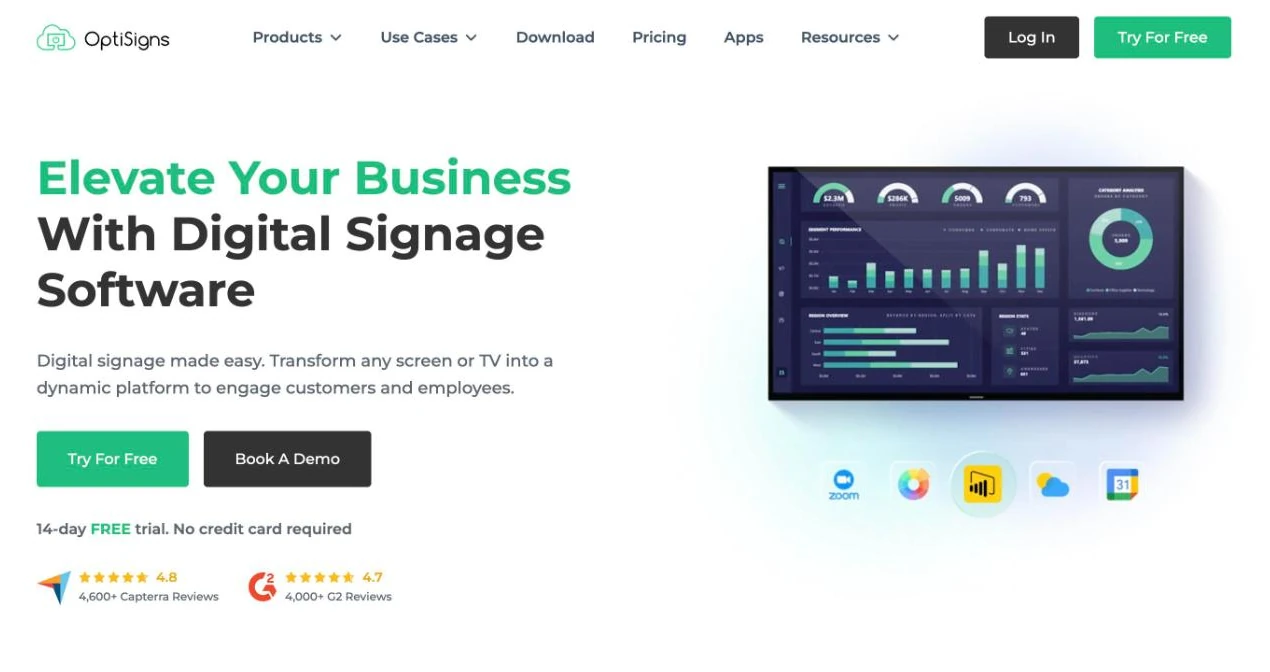
Below are the questions to ask in a demo and the trial traps to avoid. You also get a cost rule for renewal time and a simple rollout plan.
Start with the job each screen does
Most buyers start with a feature list. Start with your screens instead. Write one sentence for each screen about the job it does.
Then rank the screens by how much trouble a day offline would cause.
Lobby screen: welcomes visitors and shows the day's room bookings
Two warehouse displays: list open pick tickets
Break room TV: runs lunch specials and a shift leaderboard
Window display: shows whatever promo is live on the shop floor
This list shows which screens need live data and which only need a PDF and a clock.
It also shows where a cheap device is fine and where a restart during a rush would hurt.
Skip this step, and you may end up paying for an enterprise plan to run a slideshow.
Which integrations do you need on day one?
Every platform shows off a long list of connectors, and most of them will sit unused in your account. Plan for day one only.
If your team works in Google Slides and Google Drive, your signage app should pull files from them directly. Nobody should have to export a file every morning.
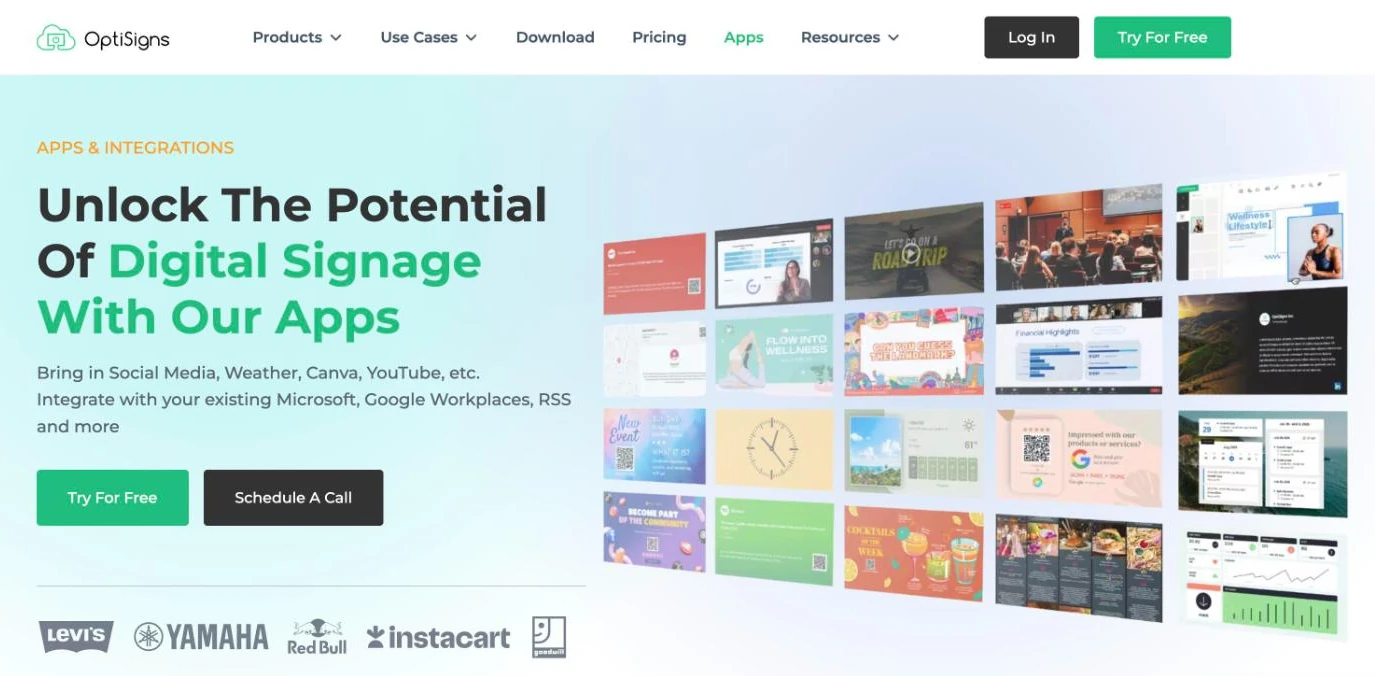
Live dashboards are where vendors differ the most. A production board fed by Power BI needs the right fields matched and a steady refresh.
So does a ticket counter fed by Zendesk, and not every vendor does that well. Test that path during the trial with your own data, because a demo template hides the rough edges.
Some teams end up writing an internal help page just to record how their screens pull data. That works for a while. It is also a sign that the vendor's own help docs are thin.
The software dropout test
Ask one question before you sign. If this vendor disappeared tomorrow, what would keep working today?
The Software Dropout Test splits that question into four checks.
Content ownership. Can you export every file, playlist, and schedule in a format you can use somewhere else?
Hardware lock. If the software goes away, do your players stop working? Or do they fall back to a basic mode you can load by hand?
Billing exit. What does cancelling look like? Check whether it needs a phone call to a team whose job is to keep you.
Export or exit. If a cheaper tool showed up, how many hours of rework would the move take?
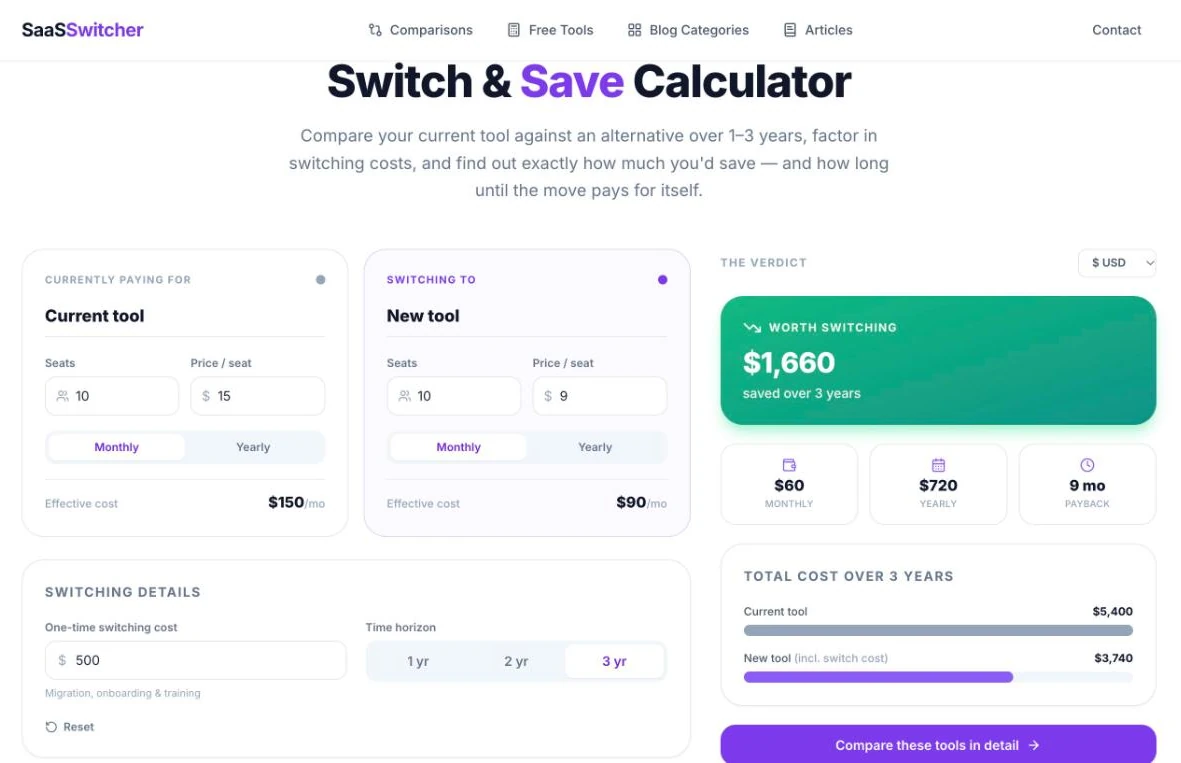
The SaaSSwitcher switch and save calculator compares the cost of two tools side by side.
No vendor will pass all four perfectly. A vendor with a clean exit plan to earn your renewal. That counts for more than a big template library.
Trial traps that cost real money
Free trials are built to get you attached. A 14-day trial often ends just after you build your first three playlists. Leaving at that point sends you back to the start.
A shorter trial that pushes you to test the hard parts is the better deal.
Run the trial like a stress test:
Add more players than you think you need.
Cut the internet on one screen and watch what happens when it reconnects.
Invite a colleague with limited access and see whether they can publish without breaking approved content.
Put two playlists on the same schedule and see which one wins.
Never run a trial on a screen your customers can see. Use the spare TV in the back office and let it look rough for a week.
If a vendor makes it hard to try the product before you pay, write that down.
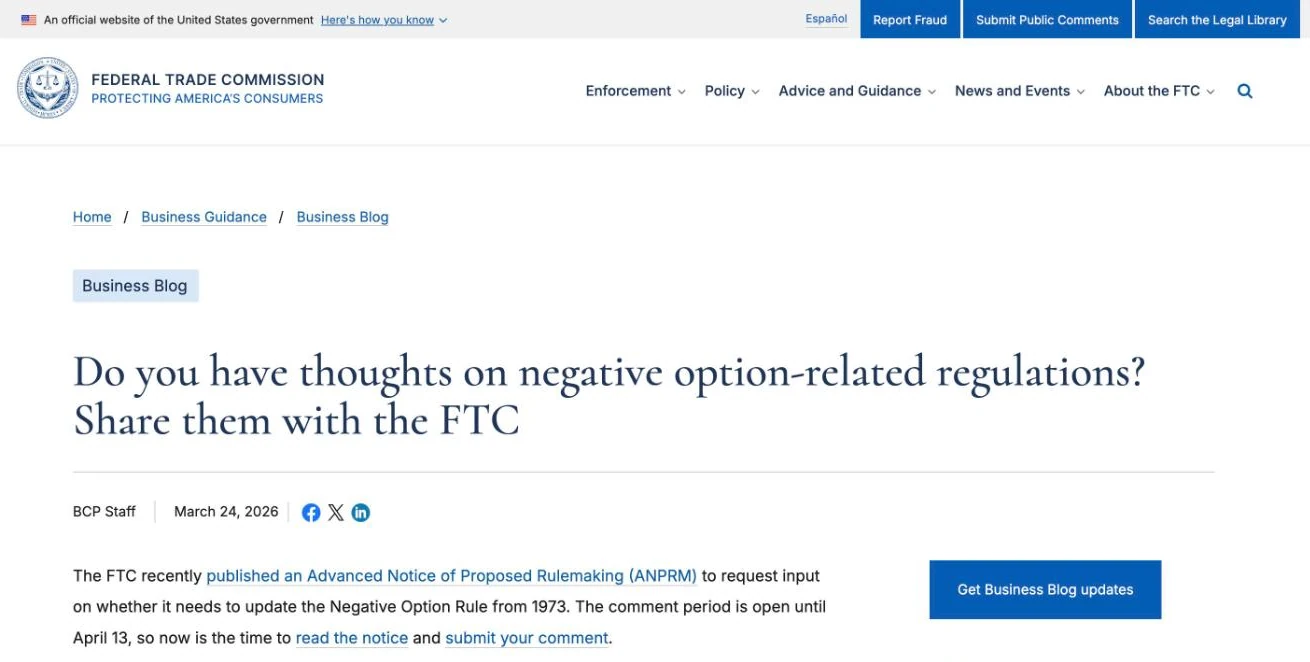
The Federal Trade Commission has published broad guidance on subscription offers and trial terms.
It is a fair check for what a clear billing page should look like.
A cost rule that survives renewal time
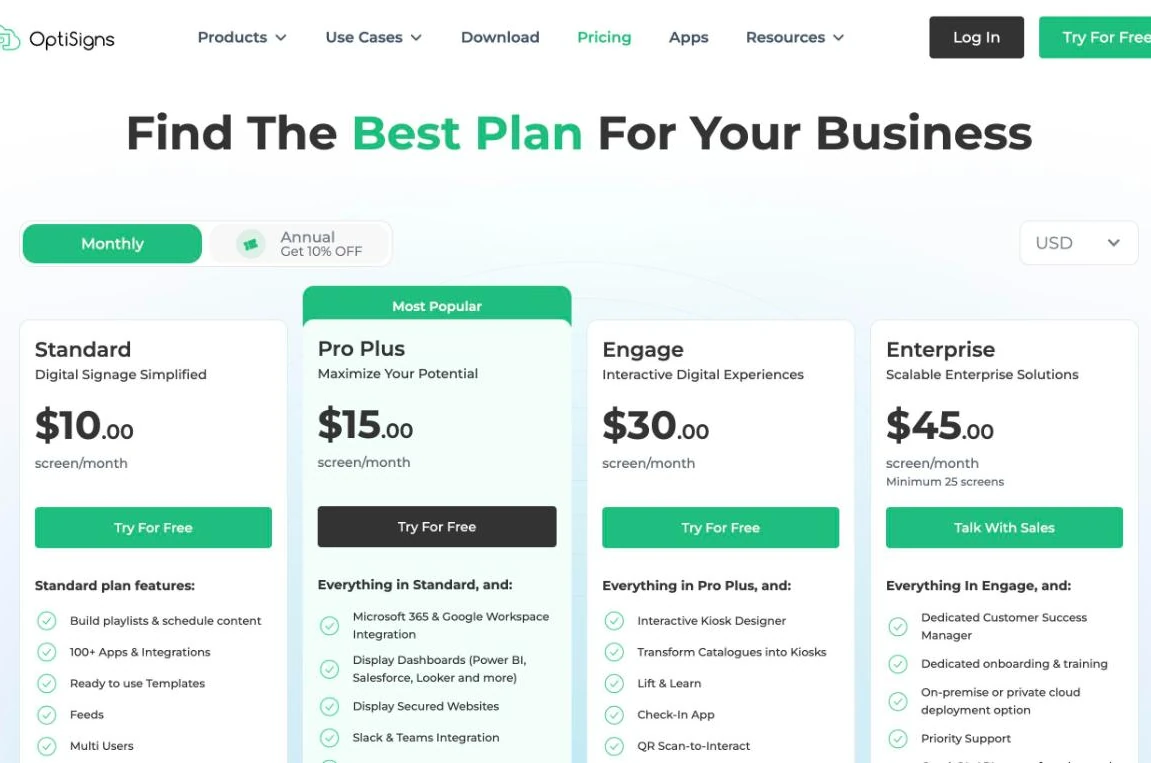
Vendors price in different ways. Some charge for each screen, and others charge for each location.
Your finance team needs one number that stays the same every quarter. Build a simple model with these four lines.
Line item | What to write down |
|---|---|
Subscription | The price for a full year, for every screen the building has |
Hardware | The cost of each player, plus at least one spare for a dead unit |
Content time | Who updates the screens, and how many hours a month that takes |
Switching cost | The one-time effort to move if the vendor gets expensive |
The usual trap is a quote for 5 screens when the building has 9. That leaves 4 screens with no plan.
The gap shows up around month three, when someone from leadership walks past a dark monitor.
Our guide to enterprise app costs that never make it into the quote shows the same pattern in custom software.
Ask each vendor what device tracking and remote status checks it offers. Security teams have studied device inventory for years.
The National Institute of Standards and Technology has published widely used material on it. Those terms help you ask sharper questions in a demo.
For the yearly price, pick the plan one step below what the demo talked you into.
Upgrade later when you need to. Moving up a plan feels normal.
Moving down, or hunting for a cheaper tool, feels like cleanup, and cleanup is where most switching plans stall.
A simple rollout plan
This plan covers the five screens from the list above and adds them in small steps.
Week 1. Start with the break room TV and the lobby screen. Each gets one player, and both pull from a shared drive folder.
Week 4. Check the spend. At this point, it is two players and one middle plan.
Week 6. Add the two warehouse boards, fed by a spreadsheet connector.
Last step. Add the window promo screen once someone owns the content calendar.
Keep one rule firm. Add no new screens until the content calendar has a named owner and a fixed weekly time slot. Hardware is the easy part.
The hard part is the person who updates the screens on Monday morning. Their time never shows up in a software quote.
Our digital content workflow guide shows how to give each step an owner.
Choose on your worst-case week
Every check above is less fun than watching a demo. It is also what separates software that runs smoothly for three years from a renewal call you dread.
Judge your shortlist by a bad Tuesday. On that day, a player dies, and a colleague needs to publish something in ten minutes.
Bring this list to every trial. Then ask each vendor one thing a demo cannot answer: what happens on the day we cancel? The reply tells you more than any spec sheet.
The General Services Administration publishes buying guidance that works as a fair yardstick for clear contract language.
If the reply is silence or a meeting invite, move to the next vendor on your list.