If your team writes React, switch to Remotion. It is free for teams of up to 3 people. If you would rather describe a video and let your AI agent build it, pick CoAnimator.
Its free plan costs $0, and the lifetime license is $299 once.
Designers who work from templates should start with Creatomate, from $45 a month when you pay for the whole year.
HyperFrames is HeyGen's free, open-source tool that turns HTML into video. Its weak spot shows up when someone misses one of its rules.
The render finishes with no error, yet the video has no motion.
HeyGen's own comparison guide says HyperFrames "breaks quietly" when a rule is skipped.
That costs the most time when a teammate or a fresh agent session edits a file without knowing the rules.
Quick answer
Remotion: best for React developers. Free for teams of up to 3 people, then $25 for each user, each month.
CoAnimator: best when you want to describe the video and let your agent build it. Free plan at $0, or a $299 lifetime license.
Diffusion Studio: best when an agent cuts recorded footage, and a person checks the result. The editor is free, and Pro costs $25 a month.
Motion Canvas: best for narrated explainers built in TypeScript. Free and open source.
Revideo: best for developers who add video rendering to their own app. Free and open source.
Creatomate: best for designers who run videos from templates. 50 free credits, then from $45 a month when you pay for the whole year.
HyperFrames limits and cost
HyperFrames renders HTML into MP4 video inside a hidden Chrome browser. The same input gives the same frames every time.
Its help page lists more than 30 problem entries, and 18 of them cover the preview and the browser editor. These limits cost the most time.
Silent failures: A missed rule gives a still frame with no motion instead of an error. One cause is an animation timeline that was never registered.
A 45-second wait: A video that never registers a GSAP timeline makes every render wait about 45 seconds. The fix is to add the data-no-timeline attribute.
Setup: Rendering on your own computer needs Node.js 22 or newer plus FFmpeg. On Windows under WSL2 with no hardware GPU, long renders can run several times slower.
Preview and render can differ: Fonts, remote media, and browser effects can make the final video look different from the preview. HeyGen suggests Docker when the output must match on every machine.
A HeyGen account for the Studio app: The desktop Studio app asks you to sign in with a free HeyGen account.
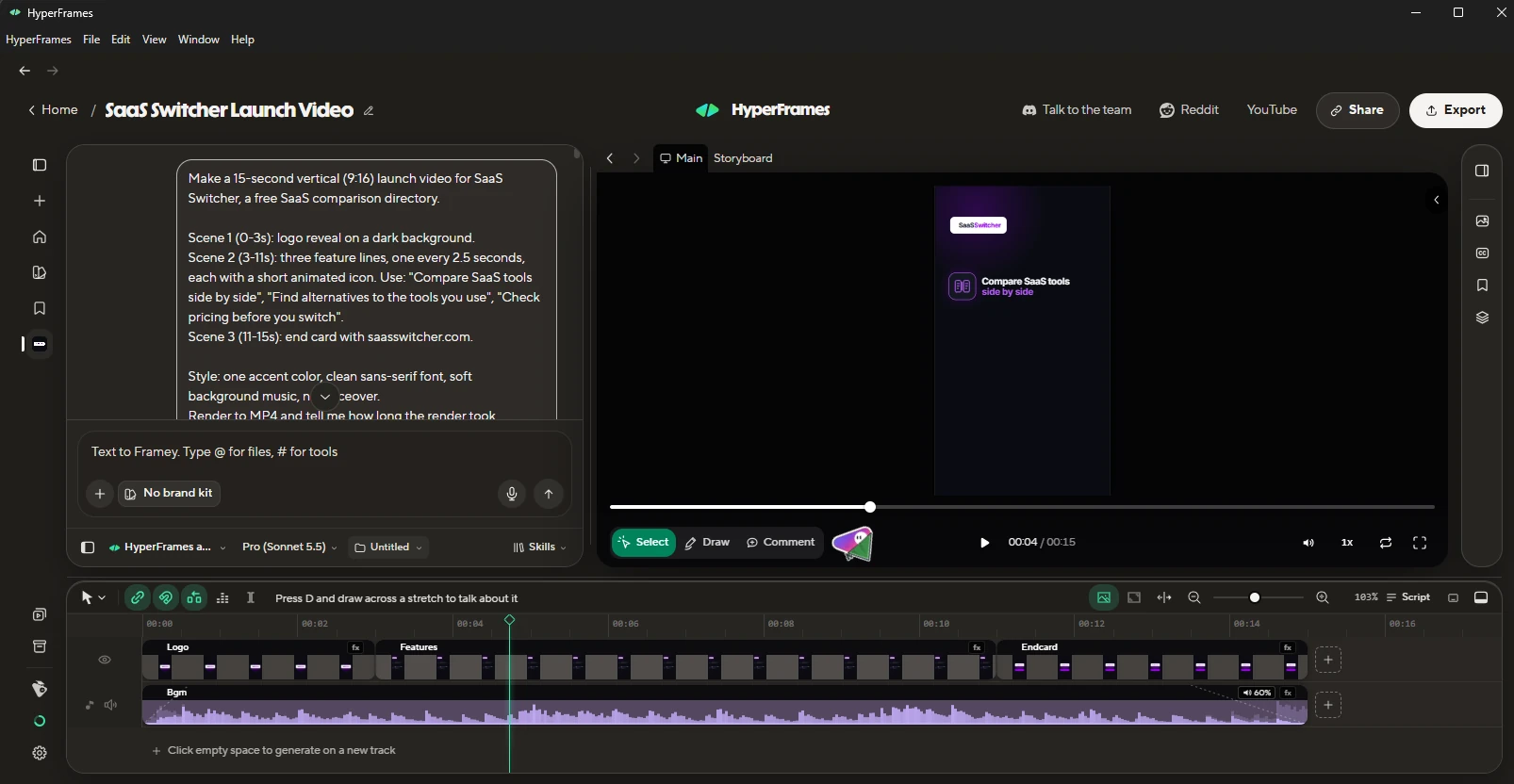 Running HyperFrames on your own computer is free under the Apache 2.0 license, with no account needed.
The Studio app's Free plan includes 3 AI video clips and 5 cloud exports a month. Pro costs $25 a month and adds unlimited cloud exports and HeyGen's top models. Your AI agent's plan is paid separately.
Which alternative fixes which HyperFrames problem
The four problems below come back with every edit and every new editor. The table pairs each one with the tool that changes it.
HyperFrames problem | What the alternative does | Alternative |
|---|---|---|
A missed rule gives a still video with no error | Each frame is drawn from the frame number, so there is no timeline to register | Remotion |
The Studio app needs a HeyGen account | The desktop editor needs no CoAnimator account | CoAnimator |
Pro costs $25 a month for unlimited cloud exports | Local renders are unlimited on every plan, with no credits | CoAnimator |
Big structural changes still need source edits | A canvas edit lands in the code, and a code edit redraws the canvas | Diffusion Studio |
The 6 best HyperFrames alternatives
Every pick here builds video from code or lets an agent do the building. Manual editors such as Canva and Kapwing are left out for that reason.
Each entry covers what the tool does, its limits, its price, who it fits, and how to start.
1. Remotion
Remotion makes videos with React, and it is the closest established option for React teams. Each video is a set of React components that draw what a given frame should show.
Rendering opens a real browser, draws every frame, and encodes the result with FFmpeg.
Your team's own components and design system carry straight into a video.
Like HyperFrames, it renders frames through a browser, but the source is React instead of HTML.
Main features
Data you pass in turns one video into many versions.
Remotion Lambda renders videos on AWS Lambda.
The Player embeds a live Remotion video in your own app.
Official agent skills help a coding agent write Remotion code.
Main limits
Companies with 4 or more people need a paid license.
HTML and GSAP animations have to be rewritten as React.
Pricing
Remotion is free for individuals, qualifying nonprofits, and companies of up to 3 people.
Remotion for Creators costs $25 for each user, each month.
Remotion for Automators costs $0.01 for each render. On that option, you pay at least $100 each month.
Who it fits
A React team that wants its videos to share the product's own components.
Get started
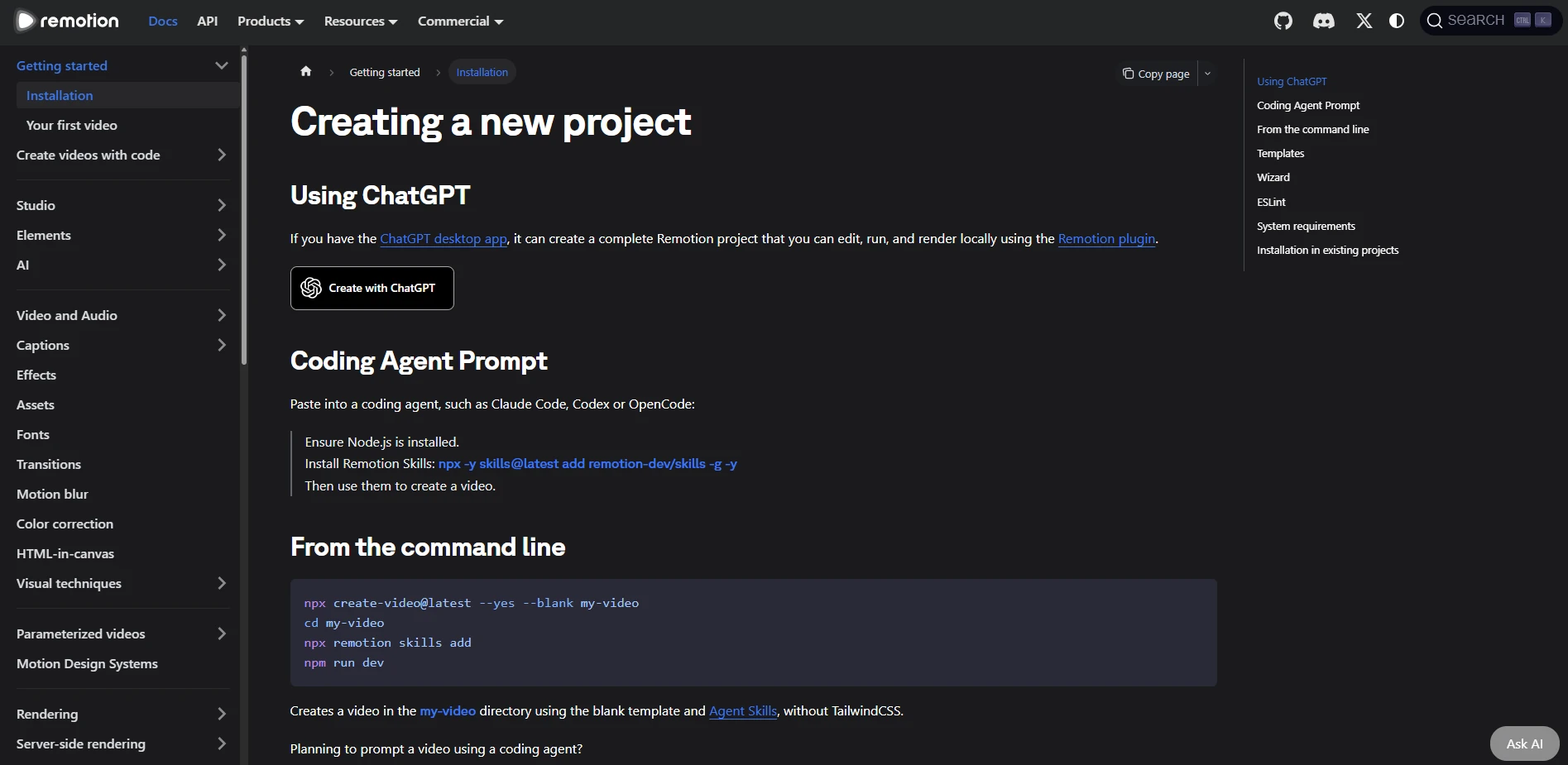
Run npx create-video@latest to create a project.
Run npm run dev to open Remotion Studio and preview the starter video.
Edit the components yourself, or add Remotion's skills with npx remotion skills add and ask your agent.
Render from the command line with npx remotion render.
2. CoAnimator
CoAnimator is an agentic animation studio. You describe a product demo, a launch video, or a tutorial. Then your AI agent builds it scene by scene on a live stage.
The stage updates in front of you as the agent works, so you can review each scene and redirect it. Templates come with agent skills and documented effects. Each project starts from a set look instead of a blank canvas.
You can also start from footage you already recorded and ask for a spotlight, a freeze frame card, or captions.
CoAnimator runs on Windows, macOS, and Linux, and it renders MP4 files on your own machine. Projects are plain files on disk, so your agent can read and change them directly.
Like HyperFrames, it lets people and agents work on the same project.
https://www.youtube.com/watch?v=c4SQbzTd0Og
Main features
Works with Claude Code, Codex, Antigravity, OpenClaw, and other agents you already use.
Builds product demos, launch videos and tutorials from plain instructions.
Edits real footage with spotlights, freeze frames, title cards, and captions.
Includes screen capture, voiceover, and publishing on every plan.
Main limits
Output quality depends on the agent you connect and the direction you give.
The free plan exports at 720p with a watermark.
Pricing
The Free plan costs $0 forever. It includes unlimited local renders, every template, and your own AI agent, with a watermark at 720p.
The Lifetime license costs $299, paid once. It removes the watermark and adds 4K export, premium plugins, and use on 2 devices. A year of updates is included.
CoAnimator has no credits and no subscription. Any usage charges come from the AI agent you connect.
Who it fits
Founders and product marketers who make demos and launch videos, and would rather describe a video than code it.
Get started
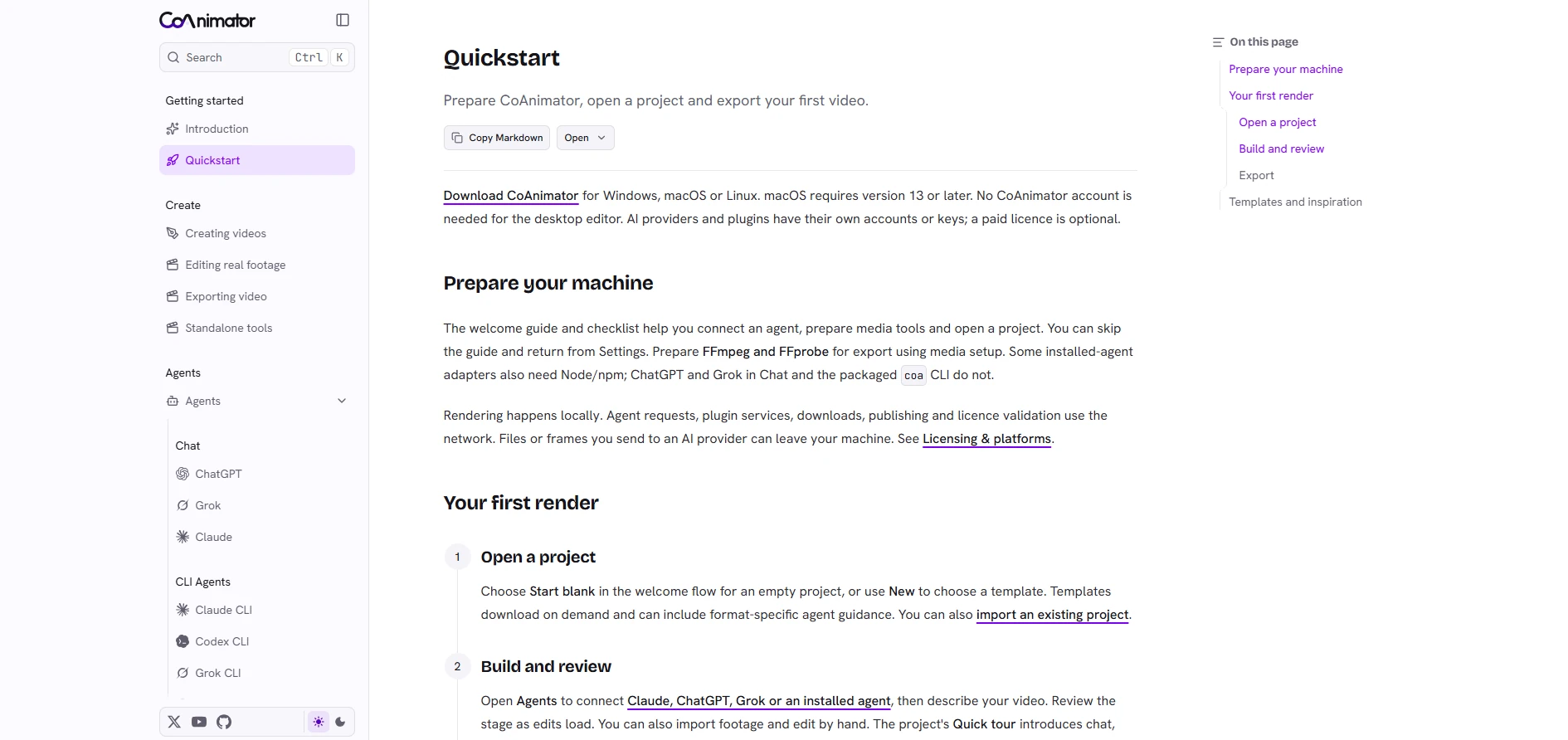
Download the app and finish the onboarding steps.
Connect your agent and describe the video you want, such as a product demo.
Watch the stage build it scene by scene, and redirect it when needed.
Render the finished video on your own machine.
3. Diffusion Studio
Diffusion Studio is an open-source video editor built for coding agents, from a Y Combinator F24 company.
A project is a folder of JSX files that renders to a video canvas. A person can edit on the canvas or timeline while an agent edits the same files.
Its dapi command line lets the agent watch and listen to your footage, then check its own work.
Like HyperFrames, it stores the video as code an agent edits, but it starts from footage and a timeline.
Main features
A canvas change lands in the code, and a code edit redraws the canvas.
The agent can turn speech into a timed, word-level transcript.
Agent editing and motion graphics are free, with unlimited exports up to 4K.
Credits pay for AI actions such as generating video, images, or speech.
Main limits
Downloads are offered for macOS and Windows only.
Existing HTML projects need to be ported to its JSX format.
Pricing
The editor is free and open source under the MPL 2.0 license. The Free plan includes 50 credits, one-time.
Pro costs $25 a month, or $20 a month when you pay for the whole year. It includes 2,500 credits a month.
Plus costs $50 a month, or $35 a month when you pay for the whole year. It includes 5,000 credits a month.
Max costs $150 a month, or $100 a month when you pay for the whole year. It includes 15,000 credits a month.
Who it fits
Teams that want an agent to cut recorded footage in an editor a person can also open.
Get started
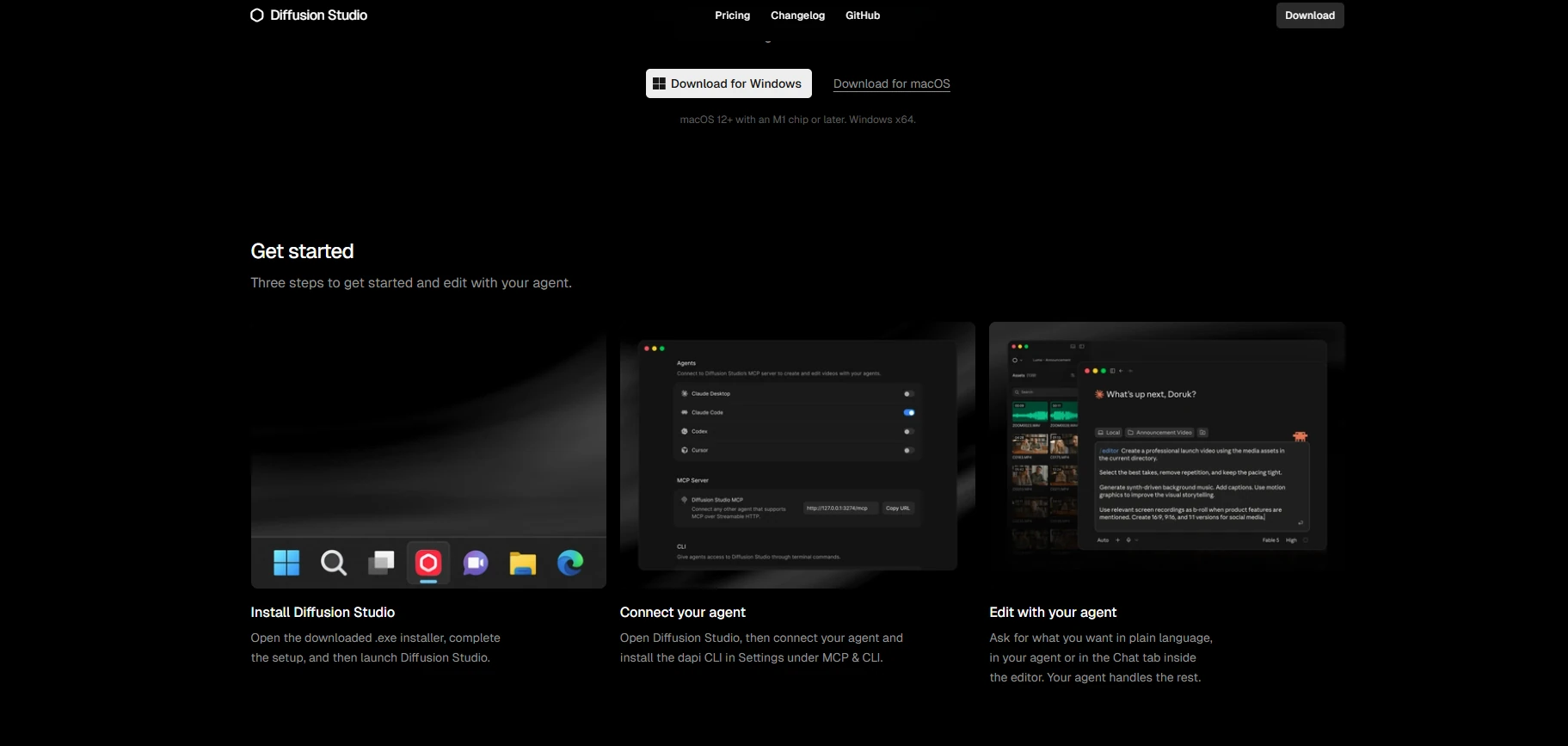
Install the desktop app for macOS or Windows.
Connect your agent, then install the dapi command line in Settings under MCP & CLI.
Run dapi open on a folder of footage to create a project.
Ask your agent for the edit, then export the video.
4. Motion Canvas
Motion Canvas is an open-source tool for narrated technical animation. A TypeScript library writes the animation as code, and a web editor shows a live preview.
The editor also syncs the animation with an audio track. Its makers built it for informative vector animations that follow a voiceover.
Like HyperFrames, it is code-first, but scenes are TypeScript instead of HTML.
Main features
Timing is set by duration and speed instead of fixed keyframes.
The live preview updates on every code change.
Packages cover the core engine, a 2D renderer, the editor, and a browser player.
A Vite plugin builds a project like a normal web app.
Main limits
There is no hosted cloud rendering, so your team sets up rendering itself.
It is built for narrated vector explainers rather than footage editing.
Pricing
Free, under the MIT license. Your only costs are your own hosting and agent usage.
Who it fits
Code walkthroughs and diagram explainers that follow a voiceover.
Get started
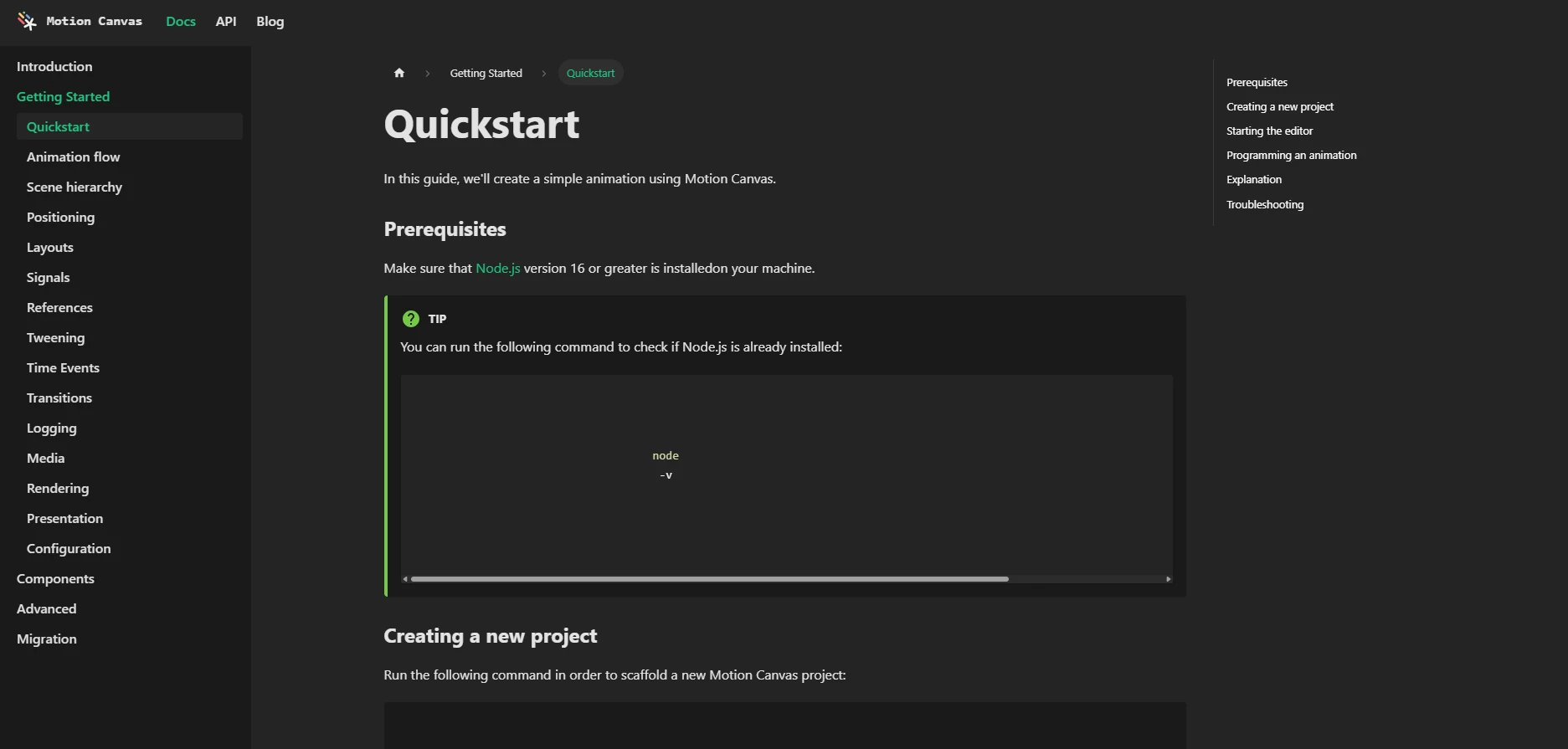
Install Node.js 16 or newer.
Run npm init @motion-canvas@latest to create a project.
Start the editor and preview the example scene.
Write your own scene, then render it from the editor.
5. Revideo
Revideo is an open-source framework for editing video with code, built on Motion Canvas.
Teams use it to automate video workflows or to build video editors in the browser.
A scene is plain TypeScript, so Claude or Codex can write one from a prompt.
Like HyperFrames, it is code-first, but scenes are TypeScript on a canvas.
Main features
Rendering can split across workers to cut the wait.
Renders can run on a serverless platform such as Google Cloud Run.
A React Player previews scenes in the browser with dynamic inputs.
Video and Audio components keep sound in frame, in accurate sync with the picture.
Main limits
Existing HTML and GSAP animations have to be rewritten as TypeScript scenes.
You host and run the rendering yourself.
Pricing
Free, under the MIT license. Your costs are your own hosting and agent usage.
Who it fits
Developers who add personalized video to their own product.
Renders take inputs, and users can preview them in a React player.
Get started
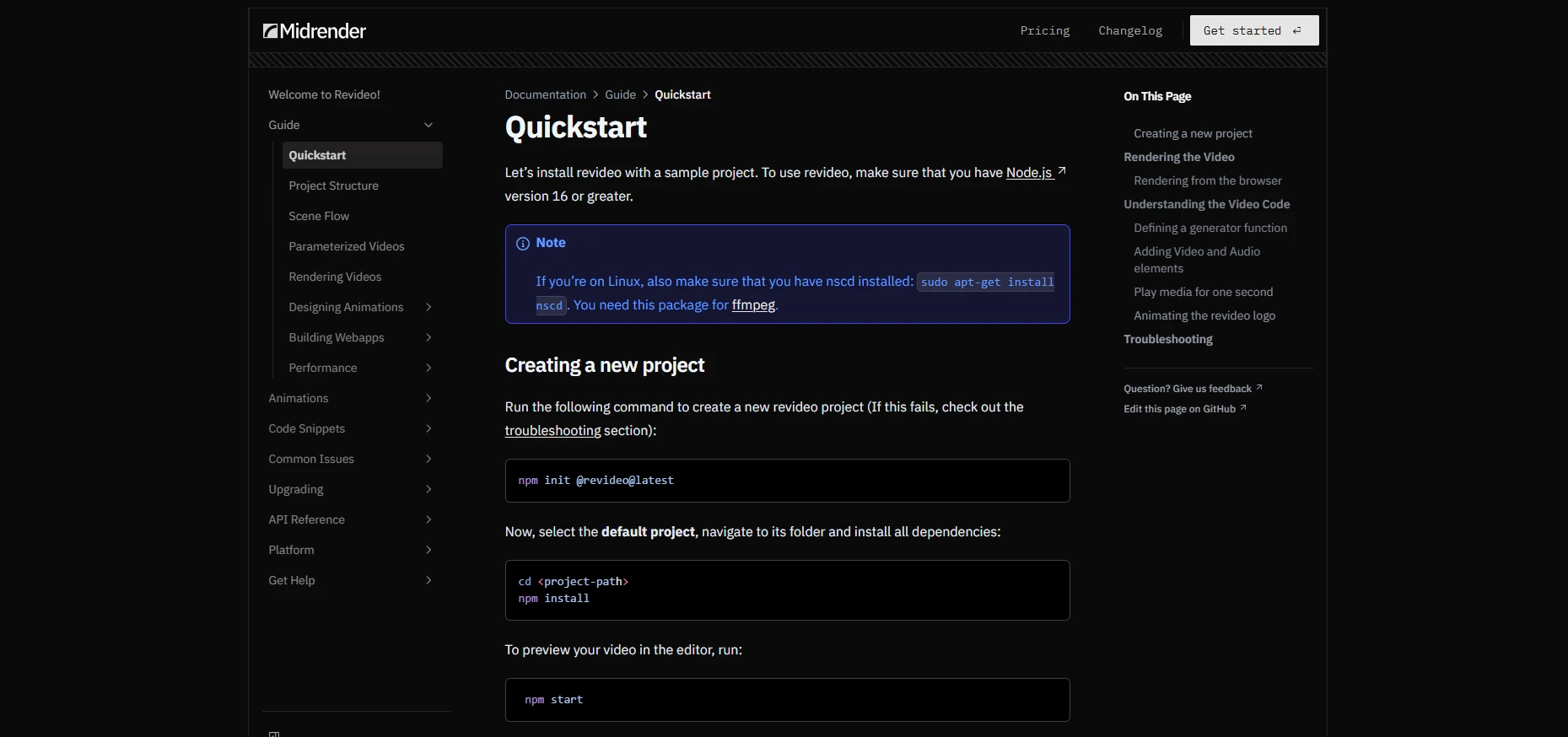
Run npm init @revideo@latest to create an example project.
Edit the scene, or ask Claude or Codex to write one.
Run npm start to preview it in the editor.
Render the final video to MP4.
6. Creatomate
Creatomate is a hosted video and image editor made for automation.
A designer builds a reusable template and marks which parts change. After that, one API request renders a new video or image with fresh values.
Unlike HyperFrames, it is hosted and template-based, with no source files to edit.
Main features
A spreadsheet fills one template with many rows of data.
Shareable forms let anyone make media from a template without opening the editor.
Zapier, Make, and n8n connect it to other apps.
The Embed and Preview SDK puts the editor inside your own app.
Main limits
Every render uses credits from your monthly plan.
Templates follow the editor's model, so custom browser animation must fit inside it.
Pricing
The Free plan gives 50 credits, with no credit card.
Essential costs $54 a month, or $45 a month when you pay for the whole year. It includes 2,000 credits a month.
Growth costs $129 a month, or $108 a month when you pay for the whole year. It includes 10,000 credits a month.
Beyond costs $329 a month, or $274 a month when you pay for the whole year. It includes 50,000 credits a month.
Who it fits
Teams where a designer owns the template and other people change the words and images without code.
Get started
Sign up for the free plan with no credit card.
Build a template in the editor and mark what changes.
Feed it data from a spreadsheet, a form, a no-code tool, or the API.
Download the finished videos.
HyperFrames alternatives side by side
Find the row that matches who edits your videos. Developers should look at Remotion, Motion Canvas, or Revideo.
People who direct an agent should look at CoAnimator or Diffusion Studio, and designers should look at Creatomate.
Tool | You write | Who edits | Renders on | Cost to start |
|---|---|---|---|---|
HyperFrames | HTML, CSS and GSAP | Developer or agent | Your computer, HeyGen cloud, Lambda, Cloud Run, Docker | Free |
Remotion | React components | Developer or agent | Your computer, a server, Lambda | Free for up to 3 people |
CoAnimator | Plain instructions | Person directing an agent | Your own machine | Free, or $299 once |
Diffusion Studio | Plain instructions and JSX | Agent and person | Desktop app | Free editor, Pro from $20 a month yearly |
Motion Canvas | TypeScript scenes | Developer | Your computer, through the editor | Free (MIT) |
Revideo | TypeScript scenes | Developer or agent | Node.js, Cloud Run | Free (MIT) |
Creatomate | Templates or API data | Designer or operations team | Creatomate's servers | 50 free credits, then from $45 a month yearly |
Creatomate and Diffusion Studio both charge less when you pay for the whole year. Here is the Creatomate Essential plan as an example.
Essential costs $54 each month on monthly billing. For 12 months, that is $648.
Paying for the whole year costs $540 up front. Over 12 months, that saves $108 compared with paying monthly.
The annual vs monthly calculator runs the same check for any plan.
Prices as listed on each tool's own pricing page on 25 November 2026.
How to move a HyperFrames project to another tool
HyperFrames offers a skill that brings Remotion projects in, but none moves projects out.
So the move is done by hand. Your HyperFrames project is a set of HTML files you can open in any browser.
Price the move with the switch and save calculator, and add the hours the move will take.
Run one real brief through two shortlisted tools, using the checks in our guide on how to evaluate AI video tools.
Port the simplest video first. Render the old and new versions and compare them frame by frame.
Keep HyperFrames running until the new tool matches its output.
Once one video matches, repeat the same steps for the rest of the project.
Security checks before an agent builds your videos
An agent that builds video can install packages, run commands, and upload files.
Check these four settings before the first project.
Agent access: In the HyperFrames Studio app, keep the agent on Auto, the default, which blocks risky steps.
Full access lets it install packages, use the internet, and run anything with no checks.
Telemetry: Run npx hyperframes telemetry disable to turn off the command line's feedback reporting.
Cloud uploads: Cloud rendering sends your project to HeyGen's servers. Keep private footage on local renders.
Skills: Read any agent skill before you install it, since the agent will follow its instructions.
The other tools have their own agent settings, so run the same checks there.
Frequently asked questions
What is the best HyperFrames alternative?
Remotion is the best pick for developers who write React. CoAnimator suits teams that want an AI agent to build and edit videos from plain instructions.
Creatomate fits template-based video at scale.
Is HyperFrames free for commercial use?
Yes. HyperFrames is open source under the Apache 2.0 license, which allows commercial use. Rendering on your own computer needs no HeyGen account.
Hosted extras such as cloud rendering need a HeyGen account, and the Pro plan costs $25 a month.
HyperFrames vs Remotion: which should you choose?
Choose HyperFrames if your team prefers HTML, CSS, and JavaScript and wants the Apache 2.0 license.
Choose Remotion if your team already works in React and wants a tool with a longer track record.
Remotion is free for teams of up to 3 people, then $25 for each user, each month.
Which HyperFrames alternative is best for people who don't code?
CoAnimator is the best fit for marketers and founders who want to describe a video instead of writing code.
Creatomate is the other option if you prefer templates with fields you fill in. Remotion, Motion Canvas, and Revideo are built for developers.
Which HyperFrames alternative works with Claude Code or Codex?
CoAnimator, Remotion, Diffusion Studio, and Revideo all work with coding agents. CoAnimator connects Claude Code, Codex, and other agents to a live stage.
Remotion ships official agent skills. Diffusion Studio works with Claude Code and Codex, and Revideo scenes are plain TypeScript that Claude or Codex can write.
Which HyperFrames alternative to pick
Start with who edits the video and how many people need access. For teams of 3 or fewer, Remotion and CoAnimator both cost $0 to start.
Above 3 people, Remotion costs $25 for each user, each month. A CoAnimator license costs $299 once and covers 2 devices.
For agent-led editing, run CoAnimator and Diffusion Studio through the same real brief.
Remotion has published new terms for version 5.0, so read them before you commit to a long plan.
Keep your project files in Git, so you stay in control if a tool changes its price or license.
If your video is a script read by an avatar, our HeyGen alternatives guide covers that side.