
Run your hardest real brief through every tool, then compare license terms, credit costs, and data handling.
Those checks decide the purchase, while output quality rarely does.
Every vendor shows impressive clips. The vendor picked them from hundreds of attempts, using briefs nobody on your team will ever write, so two showcases side by side tell a buyer very little about how either tool performs for you.
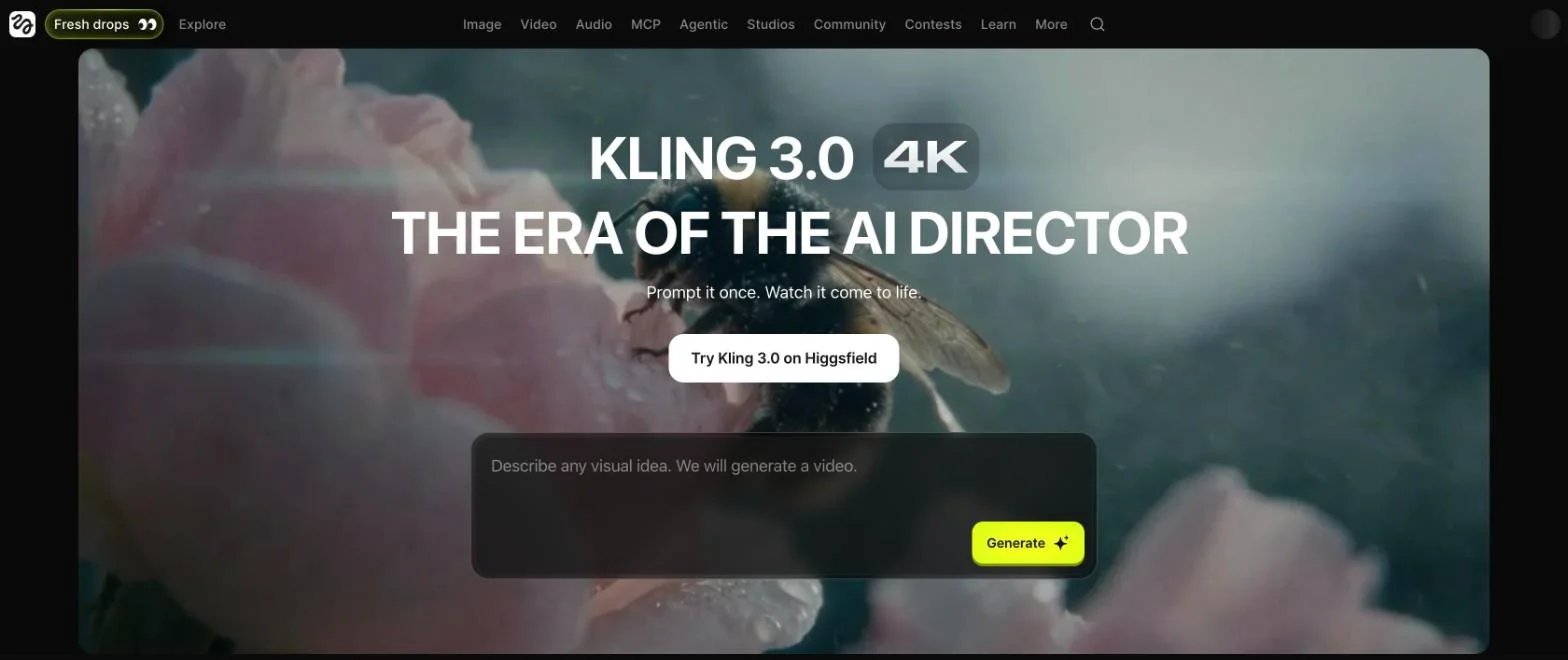
Kling 3.0 is one AI video model, and Higgsfield is one of several platforms that give access to it. A fair comparison keeps those two things apart.
This guide covers what to test, what to read, and what to price before you choose.
What should you test?
Test your hardest real brief. The vendor's easiest brief proves little.
A brief from your own pipeline, run through Kling 3.0 and every rival
The awkward requirement you already know is hard
Several attempts, since the first one is rarely typical
The same brief in every tool on your list
One named person who scores all of them
Identical briefs are the only fair test, because different briefs give results you cannot compare, and if each vendor shows its own strength, every tool ends up tied with the rest.
Pick the brief before you look at any product, because a demo can reshape a requirement you chose afterward.
Set your scoring criteria early. Impressions recorded later bend toward the last tool you saw.
What do the license terms say?
They say more than most buyers check, and they differ by vendor.
Commercial use rights, which can change by plan
Who owns the outputs
Whether the vendor can use your inputs or outputs
Whether your uploads and prompts train the model
What you keep after you cancel, including past work
Enterprise buyers ask about training first. Smaller buyers often miss it, and the answer sometimes sits in one small clause deep in the terms, far from the page where the vendor describes its own features.
Ownership wording varies more than marketing pages suggest. Read the actual terms, because the vendor wrote the comparison table.
Ask what happens to your library if you stop paying. Some platforms keep your past work available. Others do not.
Does the vendor protect you from copyright claims?
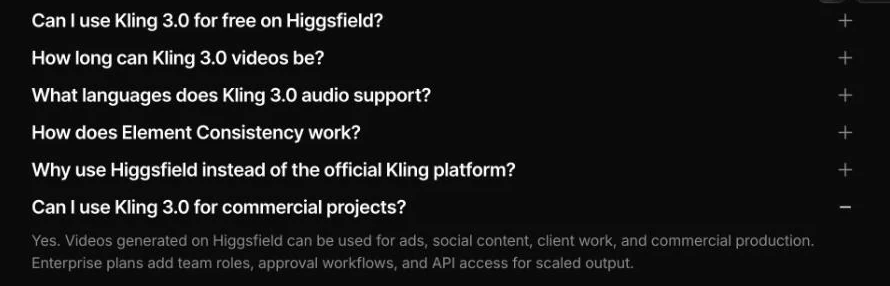
Some vendors in this category promise to cover you if someone claims an output copies their work. Others say plainly that they do not.
Check whether any such protection exists
Check which plans it covers
Check how narrow the scope is
Check the cap, since unlimited cover is rare
Compare the answers across every candidate, including each platform that offers Kling 3.0
For any company that publishes video commercially, this is a buying question with real weight.
Protection of this kind moves one type of risk from you to the vendor, and without it the risk stays with you, even if the clips look perfect.
Legal teams ask about it at once, while marketing teams that judge output quality often have not looked.
Get the answer in writing before the trial ends. It can decide the comparison on its own.
How do credit systems differ?
They differ enough to change the real cost by a wide margin.
What uses up a credit
Whether failed generations still cost credits
Whether unused credits roll over
Whether a team shares one pool or gets credits for each user
What overage costs, which can be steep
Failures are the practical issue. Say one in four attempts is usable and failed attempts still use credits.
You then pay for four attempts to get one usable clip, so the real cost is four times the listed rate, whatever the pricing page says in large print.
A shared pool absorbs uneven use. Credits assigned to each user sit idle with anyone who is not making video.
Model the cost on the usable clips you expect.
Which capabilities should you compare?
Compare specific limits across every tool.
Longest clip for each generation
Resolution and export formats
Consistency across a series of clips, which many tools handle poorly
Editing inside the tool or in a separate one
Which models you can use, and how current they are
Consistency separates tools more than raw quality does. A campaign needs twelve assets that look related to each other, and many tools that excel at producing one strong clip struggle badly when asked to repeat the same look across a series.
Check model access closely. Platforms that offer several models, including options like Kling 3.0, give different results from single-model products.
The practical gain is switching approach without switching vendor. Editing in the same place removes one step from your workflow, and whether that step matters to you depends on the other tools your team already uses every day.
Where does integration matter?
It matters wherever the video has to land somewhere specific.
Your asset management system
Approval workflows, which regulated industries require
Brand libraries and shared storage
Single sign-on, for any team above a small one
API access, where volume justifies automation
Single sign-on decides whether IT approves a purchase at all in many companies. It often sits behind an enterprise plan.
Approval workflow matters in any regulated sector, since a tool where anyone can publish at once does not work where legal review is mandatory, whatever its output quality.
Map your workflow first. A tool that fits your pipeline beats a better tool that does not.
If the video has to move through an integration platform, see MuleSoft ESB alternatives for real prices of those platforms.
Does team size change the shortlist?
Yes. The right answer for five people is often wrong for fifty.
Small teams optimize for speed and cost. Larger companies optimize for control. The features that matter barely overlap, so judge every platform against your real headcount.
Under ten people: ease of use and cost matter most
Ten to fifty: shared libraries and consistent output matter
Above fifty: access control and activity logs become requirements
Regulated sectors: approval workflow is mandatory at any size
The middle band is where most companies go wrong.
A tool picked when the team had six people rarely works for twenty-five without someone rebuilding the workflow, so ask early what a larger team would need that you do not need today.
Buy for where you will be in eighteen months, within reason. Overbuying is its own mistake.
Ask each vendor what changes at the next plan up. The answer shows whether growth brings a price rise or a migration.
Activity logs are the line most companies cross without noticing. The first time someone asks who made a particular asset, a platform without logs cannot answer.
What makes a comparison fair?
A fair comparison sets like against like and states its gaps.
Compare equal plans from each vendor
State what you did not test on every option, Kling 3.0 included
Note the date, because this category moves monthly
Disclose any vendor relationship, including trial support
Skip naming a winner where the answer depends on the situation
Mismatched plans are the most common flaw in published comparisons.
Set a premium plan from one vendor against an entry plan from another and the setup decides the result before any testing starts, which makes the whole exercise worthless to a reader.
Dates matter a lot here. A comparison written six months ago may describe features that have changed twice since, and readers should know when the testing happened.
For a plan-by-plan price comparison of a related tool type, see the Synthesia alternatives guide.
How should you assess data handling?
Data handling belongs in your buying requirements.
Where data is processed, including by the company behind the Kling 3.0 model
Whether a data processing agreement is available
How long uploads and outputs are kept
Whether deletion is real
Which outside companies handle your data
Processing location matters if your company has rules about where data sits. The answer is often missing from the pricing page.
Read the list of outside companies that handle your data.
A platform that offers several models passes your data to each of those model providers, and that chain of companies should be visible to you before you upload a single file.
Ask for the data agreement during the trial. A vendor that cannot produce one quickly may not have one.
What is the real total cost?
It is rarely the license fee.
License cost, which is the number you can see
Time to a usable clip, which is often the higher cost
Training and onboarding across the team, whichever platform wins
Credit overage where use is uneven
Switching cost if the choice is wrong
Time dominates. A tool that costs half as much but takes three times as long to reach a usable clip costs more, and that gap only shows in a real trial with real briefs.
Switching cost is the one nobody prices. A year of assets, prompts, and team habits in one platform is a real barrier to moving, so the first decision deserves the effort you would give any contract.
To price a move between two tools, use the switch and save calculator.
Run the trial with the people who will use the tool. A tool tested by one person and rolled out to twelve often fails at rollout.
How long should a trial run?
Run it for a full working cycle, with real work in it.
At least one real project, start to finish
Several people on the trial, beyond the lead evaluator
The awkward requirement, on purpose
The export step, all the way to its final destination
A Kling 3.0 benchmark run for comparison, where it applies
Teams often skip the export step. Problems often appear there. A clip that looks right in the platform can arrive wrong in the destination format, and you want to find that out on day one instead of month three.
Involving several people shows usability gaps that one evaluator misses. The person who finds a tool intuitive is rarely the person who will struggle.
One complete real project tells you more than a week of loose experiments.
What should the decision document contain?
It should hold the reasoning, so it survives staff changes.
The criteria, written before any trial began
Scores against each criterion, with notes
What you did not test, stated plainly
The date of the evaluation
Which tools you considered, Higgsfield included
Higgsfield sits in this category as an AI creative suite that combines generation and editing, which differs in structure from single-purpose tools. Record that difference.
The not-tested section protects everyone. When a problem appears, a note saying you never assessed it serves the team far better than an assumption that somebody did, because nobody can check an assumption.
Review the Higgsfield comparison and every rival yearly, since this category changes faster than most buying cycles.
What does a proper evaluation take?
Plan for two weeks. Most of that time goes to waiting on real work.
Write the criteria before you look at anything.
Pick a real brief from your pipeline.
Shortlist three tools, with at least one that offers Kling 3.0.
Run the same brief through each.
Check license, copyright protection, and data terms at the same time.
Export to the real destination.
Score, document and date the decision, Higgsfield included.
Review the scores a month after rollout and see which criteria mattered.
Most companies find that the factor that decided the purchase mattered less afterward, and that finding is useful input when the next buying cycle comes around.
Where to start
Write your criteria and pick one real brief before you open any vendor page. Run that brief through every tool, read the terms alongside it, and date the decision.
Kling 3.0 and the platforms that offer it, Higgsfield among them, differ more on rights, data handling, and workflow than they do on the images that each platform produces. Start with the brief.