Glean is the best fit when a company's answers are spread across many apps. It connects to more than 275 work apps and only shows each employee what they already have access to.
Microsoft 365 Copilot and Gemini Enterprise suit companies that run on one office suite.
Atlassian Rovo suits teams whose handbook lives in Confluence. Moveworks and Leena AI go a step further and finish common IT and HR requests inside the chat.
Guru suits teams that want a named owner behind every answer.
Employees ask the same things every week: "How many leave days do I have left?", "Where is the expense policy?" "Who approves a new laptop?" and "How do I get on the VPN?" The answers already exist somewhere.
They sit in Slack threads, a wiki, shared drives, and the HR system, so people message HR and IT instead of searching four places. The tools below read those places and reply in seconds, with a link to where each answer came from.
Every price in this article comes from the vendor's own pricing page, as of 6 November 2026.
The 7 AI chatbots at a glance
This table shows who each tool suits, where it looks for answers, and the price each vendor prints.
Tool | Best for | Where it looks for answers | Price you can see |
|---|---|---|---|
Glean | Answers spread across many apps | More than 275 connectors, including Slack, Google Drive, Jira, Confluence, SharePoint and Salesforce | Quote after a demo |
Moveworks | IT and HR requests in ServiceNow companies | Slack, OneDrive, Google Drive, SharePoint, Confluence, Outlook and 50+ more | Quote after a demo |
Microsoft 365 Copilot | Companies on Microsoft 365 | Microsoft 365 apps, plus Copilot connectors | $30 for each user, each month, paid yearly |
Gemini Enterprise | Google Workspace companies and teams under 300 | Over 100 integrations, Microsoft 365 included | From $21 for each user, each month |
Atlassian Rovo | Handbooks kept in Confluence | Jira, Confluence and connected tools | Included in paid Jira and Confluence cloud plans |
Guru | Answers that need an owner to verify them | 100+ tools, including Slack, Microsoft Teams and SharePoint | Quote after a call |
Leena AI | HR teams with large workforces | 200+ connectors, including Workday, SAP and ServiceNow | Quote within one business day |
1. Glean
Best for: mid-size and large companies whose answers sit in many different apps.
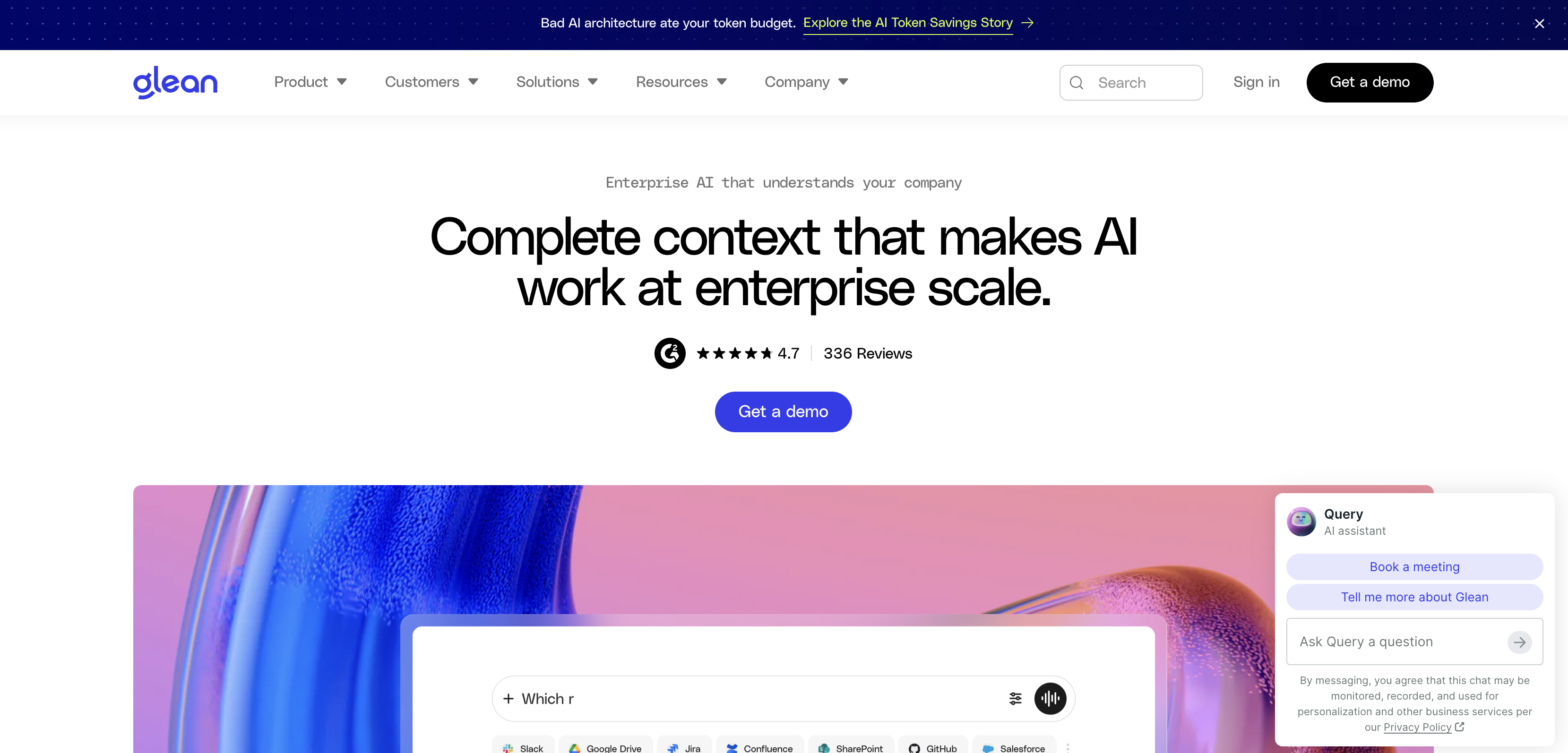
Glean connects to more than 275 work apps, such as Slack, Google Drive, Jira, Confluence, SharePoint, and Salesforce. An employee types a question in plain words.
Glean pulls the answer from those apps and shows the source next to it, so the employee can open the original page and check it.
The part HR and IT teams care about most is access. Glean's homepage puts it simply: "Users only see what they're allowed to see." A pay band sheet that only HR can open stays out of everyone else's answers.
Glean comes as a set of products on one platform.
Glean Assistant answers questions and drafts content.
Enterprise search finds documents across every connected app.
Glean Agents automate work across systems, and Glean Protect covers security and governance.
Employees can also ask Glean inside Slack and Microsoft Teams, so nobody has to open a new tool to get help.
Glean's page for People teams covers onboarding, policy questions, and internal requests.
New hires get policies, acronyms, teammates, and past decisions without waiting for someone to explain how the company works.
Price: Glean does not publish prices. You book a demo and get a quote.
Watch out: Glean is built for mid-size and large companies. A small team with one shared drive may find a lighter tool enough.
2. Moveworks
Best for: large companies that already run IT and HR requests through ServiceNow.
Moveworks is now part of ServiceNow, which completed the purchase on 15 December 2025. The assistant works in chat, on the web, on the intranet, in service portals, and on mobile.
It speaks over 100 languages, which helps companies with staff in many countries.
Moveworks searches content in Slack, OneDrive, Google Drive, SharePoint, Confluence, Outlook, and more than 50 other systems.
It also finishes tasks from the same chat, across the business apps it connects to.
Moveworks says more than 6 million employees rely on it.
Price: Moveworks does not publish prices. You book a demo.
Watch out: Moveworks fits best when ServiceNow is already the center of IT and HR.
If ServiceNow is the part you want to replace, our list of ServiceNow alternatives covers help desks that cost less to set up.
3. Microsoft 365 Copilot
Best for: companies whose policies already live in SharePoint, Outlook and Teams.
Microsoft offers two levels. Copilot Chat comes at no extra cost with eligible Microsoft 365 plans. It answers from the web and from files an employee adds to the chat.
The paid Microsoft 365 Copilot license adds chat grounded in your company's own data.
Microsoft shows these prices:
Microsoft 365 Copilot for large companies costs $30 for each user, each month, paid yearly.
Microsoft 365 Copilot Business, for up to 300 users, lists at $21 for each user, each month, paid yearly.
Microsoft shows $18 for Copilot Business as a first-year offer, open from 1 July to 31 December 2026.
Copilot Business paid month-to-month costs $25.20 for each user, each month.
Each price sits on top of the Microsoft 365 plan you already pay for. Copilot Business has a one-month free trial. Microsoft lists no trial for the larger Microsoft 365 Copilot plan.
Watch out: Copilot reads Microsoft 365 data first. Answers from other apps depend on Copilot connectors being set up for them.
4. Gemini Enterprise
Best for: Google Workspace companies, and teams under 300 people who want to start without an IT project.
Google sells Gemini Enterprise in editions. The Business edition starts at $21 for each user, each month. It covers up to 300 users and needs no IT setup.
The Standard and editions start at $30 for each user, each month, with no user limit, and you buy them through Google's sales team.
Google lists over 100 supported integrations, including Google Workspace, Microsoft 365, Slack, Confluence, Jira, and ServiceNow.
Google says Gemini follows each person's existing permissions, and that your prompts and outputs are not used to train its models.
The Business edition offers a trial, and Google offers the Plus edition free for 30 days.
Watch out: Google prints "starting at" prices. For Standard, the final number comes from a quote.
5. Atlassian Rovo
Best for: teams that keep their handbook and how-to guides in Confluence.
Rovo comes with paid Standard, Premium, and Enterprise cloud plans of Jira, Confluence, and Jira Service Management.
There is no separate purchase. Employees can ask Rovo Chat inside Jira and Confluence, or from Slack and Microsoft Teams.
AI use in Rovo runs on credits, and Atlassian gives each plan a monthly allowance:
Jira or Confluence Standard: 25 credits for each user, each month
Jira or Confluence Premium: 70 credits for each user, each month
Jira or Confluence Enterprise: 150 credits for each user, each month
Credits are pooled across the whole company and reset every month. A quick answer in Rovo Chat uses 10 credits. Extra credits cost $0.01 each.
Take a company with 100 users on Confluence Standard.
The plan gives 25 credits for each user, each month. For 100 users, that is 2,500 credits a month.
A quick answer uses 10 credits. So 2,500 credits cover 250 answers a month for the whole company.
Now say each employee asks 10 questions a month. That is 1,000 answers, which use 10,000 credits.
The company is 7,500 credits over its allowance. At $0.01 a credit, the extra cost is $75 a month.
Extra usage is switched on by default, so the bill keeps growing unless an admin sets a cap. If the cap is hit or extra usage is off, new AI requests pause until the next month, while Rovo Search keeps working.
Watch out: check your plan's credit pool against real question volume before you count Rovo as free.
If Confluence is the tool you want to leave, our Confluence alternatives list compares other wikis with their real costs.
6. Guru
Best for: HR and operations teams that need every answer owned and kept current.
Guru gives answers with citations through its Knowledge Agents, and those answers follow each person's permissions. It adds verification workflows on top.
Each piece of knowledge can be marked verified or unverified, and the Knowledge Agents can do some of that marking for you.
This helps when a leave policy changes and the old version should stop showing up.
Guru connects to 100+ tools, including Slack, Microsoft Teams, Salesforce, Zendesk, Confluence, and SharePoint.
Price: Guru does not publish prices. It builds a package after a call, sized to your company. Eligible nonprofits can get lower pricing through Guru for Good.
Watch out: the package includes access to Guru's solution engineers. That helps with a rollout, though it makes Guru a bigger purchase than a simple plug-in bot.
7. Leena AI
Best for: HR teams with large workforces who want one flat price per employee.
Leena AI ships ready made assistants for HR, IT and finance. Its HR assistant covers onboarding, leave, payroll questions, letters, and policies, and leave balance is one of its listed capabilities.
The assistants are voice-enabled, available around the clock, and work in 100+ languages. Leena AI lists 200+ prebuilt connectors, including Workday, ServiceNow, and SAP.
Pricing on Leena AI works differently from the rest of this list. The Universal Assistant is a flat license per employee per year, with unlimited use. Leena AI does not publish the rate.
You answer six questions and get a quote within one business day. Leena AI says its customers go live in 45 days on average.
Watch out: Leena AI sells to large enterprises and counts more than 500 of them as customers. A small company may find a better fit elsewhere on this list.
How the bill grows when employees ask more
The seven tools charge in four different ways. This decides what happens to the bill once employees start using the chatbot every day.
Per user: Microsoft 365 Copilot and Gemini Enterprise. You pay for each person who gets access.
Pooled credits: Atlassian Rovo. More questions use more credits, and extra credits cost money.
Flat per employee, unlimited use: Leena AI's Universal Assistant. Heavy use does not raise the price.
Custom quote: Glean, Moveworks and Guru. Ask the sales team how the quote changes as headcount and usage grow.
Here is the cost for the tools that print a per-user price. Take 100 users for 12 months.
Microsoft 365 Copilot costs $30 for each user, each month, paid yearly. For 100 users over 12 months, that is $36,000.
Microsoft 365 Copilot Business is listed at $21 for each user, each month, paid yearly. For 100 users over 12 months, that is $25,200.
With Microsoft's $18 first-year offer, Copilot Business costs $21,600 for 100 users over 12 months.
Gemini Enterprise Business starts at $21 for each user, each month. For 100 users over 12 months, that is $25,200.
Both Microsoft totals sit on top of the Microsoft 365 plan you already pay for.
Our SaaS ROI calculator guide works through a $21 Copilot Business seat to check if it pays for itself.
Employees' most common questions, matched to the right tool
Most questions from staff fall into four groups. Each group needs something different from the chatbot.
Policy questions, such as the leave policy or the expense limit. Every tool on this list can answer these from your documents.
Personal questions, such as how many leave days one person has left. These need a link to the HR system, and Leena AI lists leave balance as a built-in capability.
Requests, such as a password reset or access to an app. Moveworks and Leena AI are built to finish these inside the chat.
"Who knows about this?" questions. Glean helps employees find the right teammates, projects, and past decisions.
How to test a chatbot before you buy
A short trial tells you more than any demo. Run these four checks with two or three tools.
Collect 20 real questions from the HR and IT inboxes, in the exact words employees used.
Ask each one from a normal employee account, and check that every answer links to its source.
From an account outside HR, ask about a file only HR can open. The chatbot should not use it.
Change one policy page, then ask the same question the next day. The answer should match the new page.
Which one should you pick?
Answers spread across many apps: pick Glean.
ServiceNow runs IT and HR already: pick Moveworks.
The whole company works in Microsoft 365: start with Microsoft 365 Copilot.
Google Workspace, or fewer than 300 people: start with the Gemini Enterprise Business trial.
The handbook sits in Confluence on a paid plan: turn on Rovo, then watch the credit pool.
Policies change often and need an owner: pick Guru.
HR carries most of the load across a large workforce: pick Leena AI.
FAQ
What is the best AI chatbot for employee questions?
Glean is the strongest pick when answers are spread across many apps. It connects to more than 275 of them and only shows each person what they can already open.
Companies that work fully inside Microsoft 365 or Google Workspace often start with Copilot or Gemini Enterprise instead.
Can an AI chatbot answer HR questions about leave and benefits?
Yes, and policy questions are the easy part. The chatbot only needs to read your HR documents for those.
Questions about one person's own leave balance need a link to the HR system, which Leena AI builds in.
Will an internal AI chatbot show employees files they should not see?
It should not, as long as the tool follows existing permissions. Glean, Gemini Enterprise and Guru all state that answers follow each person's access.
Test it with a file only HR can open before you roll the tool out to everyone.
How much does an internal AI chatbot cost?
Printed prices run from $18 to $30 for each user, each month. Microsoft 365 Copilot Business is $18 for each user, each month, paid yearly, under an offer that runs until 31 December 2026. Its list price is $21.
Gemini Enterprise Business starts at $21 for each user, each month. Microsoft 365 Copilot for large companies costs $30 for each user, each month, paid yearly. Glean, Moveworks, Guru, and Leena AI are priced by quote.
Is there a free option for small teams?
Two options come with plans many teams already pay for. Microsoft 365 Copilot Chat comes at no extra cost with eligible Microsoft 365 plans, though it answers from the web and from files people add.
Rovo comes with paid Jira and Confluence cloud plans, within its monthly credit allowance.
Small teams can also get far with the self-service in their HR system, and our BambooHR alternatives list compares HR systems with real prices.
Where to start
Pull the 20 questions your HR and IT teams answer most often. Run them through two tools from this list for two weeks.
Keep the one that links every answer to its source and keeps private files private.